ASSIST PLUS – Operating instructions V02 Installation
www.integra-biosciences.com 15
3.9.4 Bluetooth Pairing
The first time a specific pipette is connected to the ASSIST PLUS, both instruments need
to be paired via Bluetooth. (Alternatively, the pipette can be connected using the
communication cable, see 3.4.) Scroll to the Toolbox and press OK.
3.9.5 Tip Monitor
Define whether the tip loading should be checked after tip loading, before tip ejection or
after tip ejection.
N
OTE
It is recommended to keep tip monitoring settings Before and After Tip Eject
active.
3.9.6 Setting tip type
Electronic Pipettes of 12.5, 300 and 1250 µl sizes can be used with standard, SHORT and
LONG GripTips. In order to teach the correct heights for ASSIST PLUS movements, the
used tip type must be specified. Go to the Toolbox of the pipette, select ASSIST PLUS and
press OK.
From the ASSIST PLUS option select Bluetooth Pairing.
Switch OFF and ON the ASSIST PLUS device, see “4.1 Turn on/off
the ASSIST PLUS device” on page 17, and wait approx. 30 sec. until
the message “Pairing successful” is displayed. Press OK.
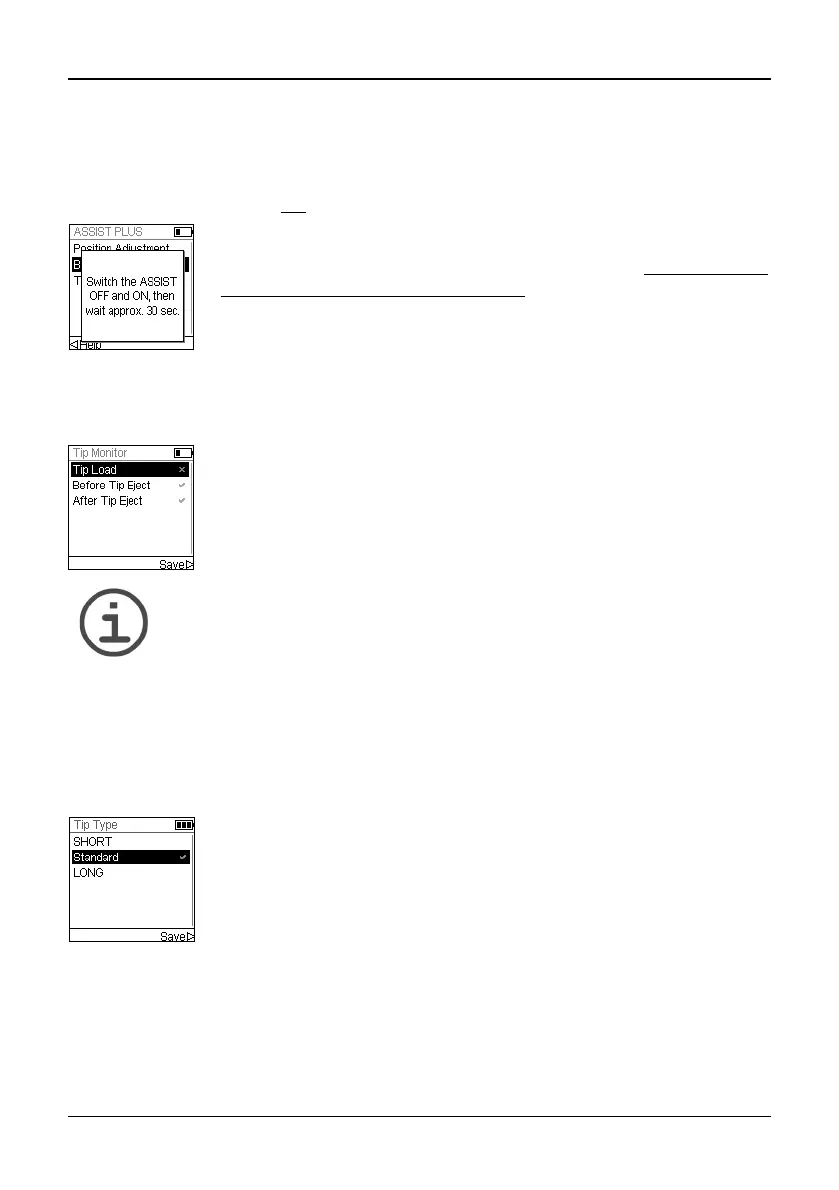
Select Tip Monitor and press OK.
Use the Touch wheel to highlight an option. Press OK to toggle
between on (green ) and off (red ). Save your settings.
Select Tip Type and press OK.
Use the Touch wheel to highlight Standard, SHORT or LONG. Press
OK to select the correct tip type (green ) and Save your settings.



 To Next Page