ASSIST PLUS – Operating instructions V02 Programming
22 INTEGRA Biosciences AG
5.4 Adjust heights and positions
Predefined programs, e.g. Repeat Dispense
Open a program and scroll to any Height setting.
Custom programs
Open a program and select any Move step and the desired position.
VIALAB programs
Heights are defined in the VIALAB software but can later be fine tuned once the program
is copied to the pipette. Open a program and select “Height Adjust” on the Run screen,
then a step and a Height.
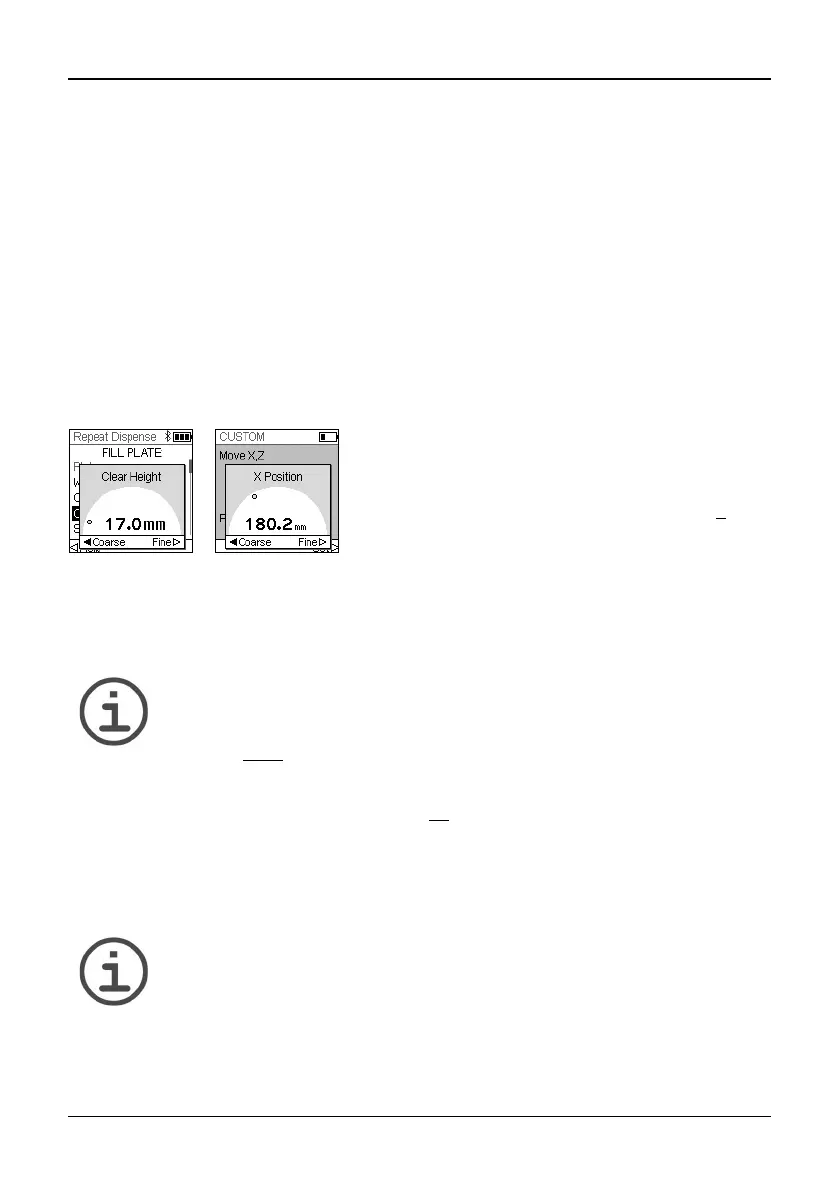
5.4.1 Enter heights/positions directly
Press OK or Edit and OK to display the setting dial showing the current height/position.
5.4.2 Teach heights/positions on ASSIST PLUS
If height and position values are unknown, they can be set in an active teaching mode.
Insert a pipette into the Pipette holder and establish a Bluetooth connection.
NOTE
Perform teaching of all position settings with GripTips attached. For 12.5 µl,
300 µl and 1250 µl volume pipettes the correct tip type needs to be defined
first, see 3.9.5
.
Open a predefined or a custom program. When the setting dial is displayed as described
above, use the ASSIST PLUS Touch panel (12
):
• Press the Left and Right keys to move the GripTips into the desired X-position.
• Press the Back and Fore arrow keys to move them into the Y-position.
• Press the Up and Down keys to position the GripTips at the desired height/Z-
position.
• Press OK and Save/Set to save current settings.
N
OTE
You can adjust the movement speed during position teaching as follows:
Back and
Fore arrow keys: keep the keys pressed to increase the
speed. Press the keys shortly for fine adjustmens.
Left, Right, Up and Down keys: press near the center of the cross
for slow movements and at the edges for fast movements.
If the exact values of heights or X/Y/Z positions are
known, they can be entered directly using the Touch
Wheel.
The height is the distance between the Deck (7
) and
the end of the GripTips. Press OK and Save/Set to
save the settings.



 To Next Page