D-0120794-C – 2019/11
Orion Rotary Chair Installation Instructions Page 17
3.4 Booth Door Location:
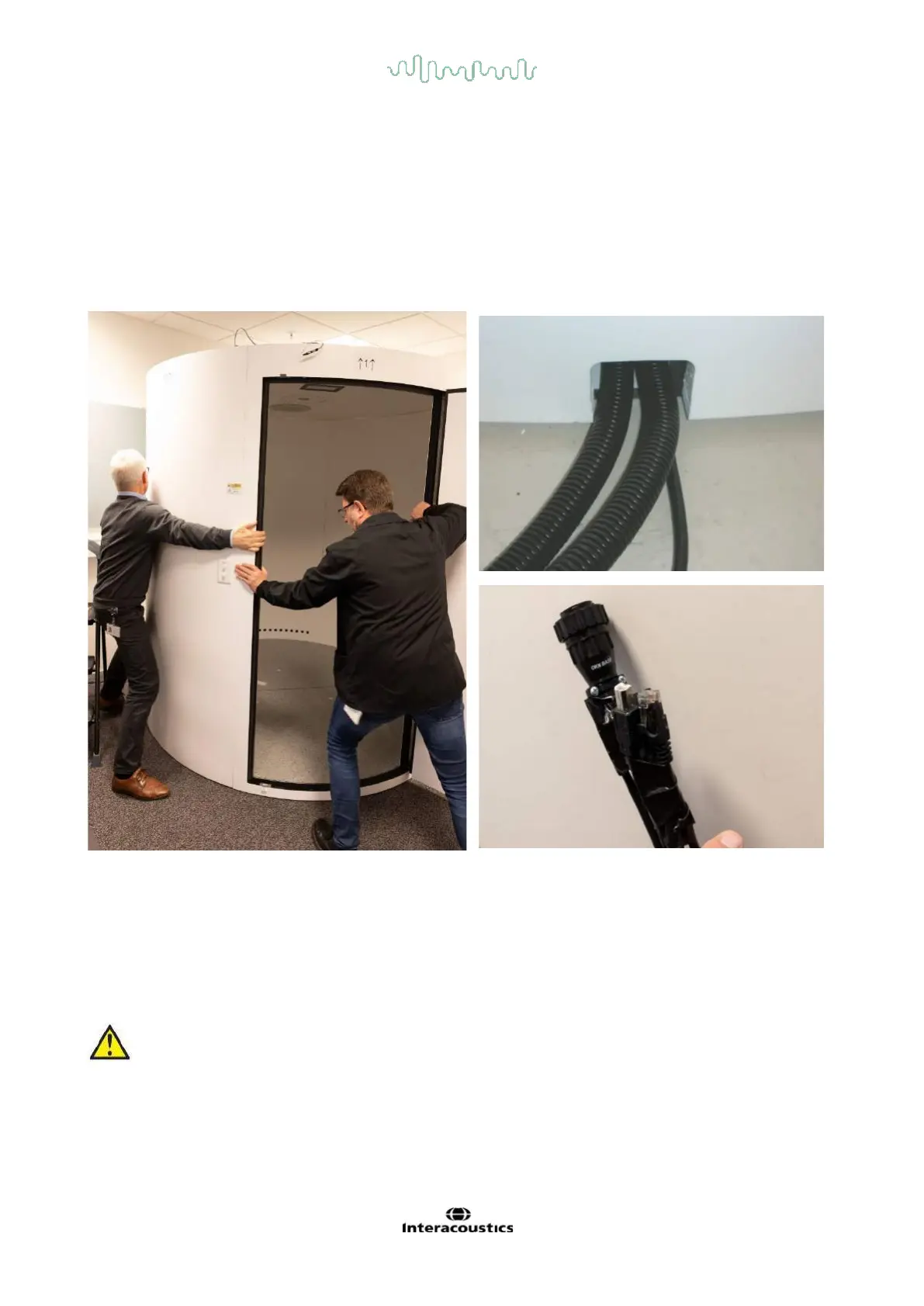
Rotate and move the booth so it is placed into the corner of the room and the door is facing out to the room.
Once the heavy rotational chair is placed in the booth, the booth cannot be moved due to the weight of the
chair. With the door open, the computer monitor should be visible from inside the booth. The examiner will
need to view the computer monitor video frames while adjusting the cameras on the patient. There should be
space behind the booth and the wall for a person to slide behind if necessary. The following cables will need
to enter the left side of the booth via the channel opening in the booth floor: “25ft. USB cable (B-end), 25ft.
E-Stop cable (RJ-45 connector end), 25ft. AC power cable (IEC male plug) and OKN drum cable (OKN Base
end). Make sure that you have access to that small opening at the bottom side of the booth for these cables.
Booth door placement, Ensuring the access to cables from booth to rotational chair controller
3.5 Install Door Threshold:
Install the door threshold at the door opening as shown in the picture. You are provided with threshold strips
in different heights. Threshold strips can be chosen based on the floor level. You can save the remaining
threshold strips for future use.
Make sure the door threshold is installed under the door wall to prevent the door frame from
breaking if stepped on during the next phase. Use one or more of the supplied curved threshold
strips to allow a snug fit.














 To Next Page