D-0120794-C – 2019/11
Orion Rotary Chair Installation Instructions Page 33
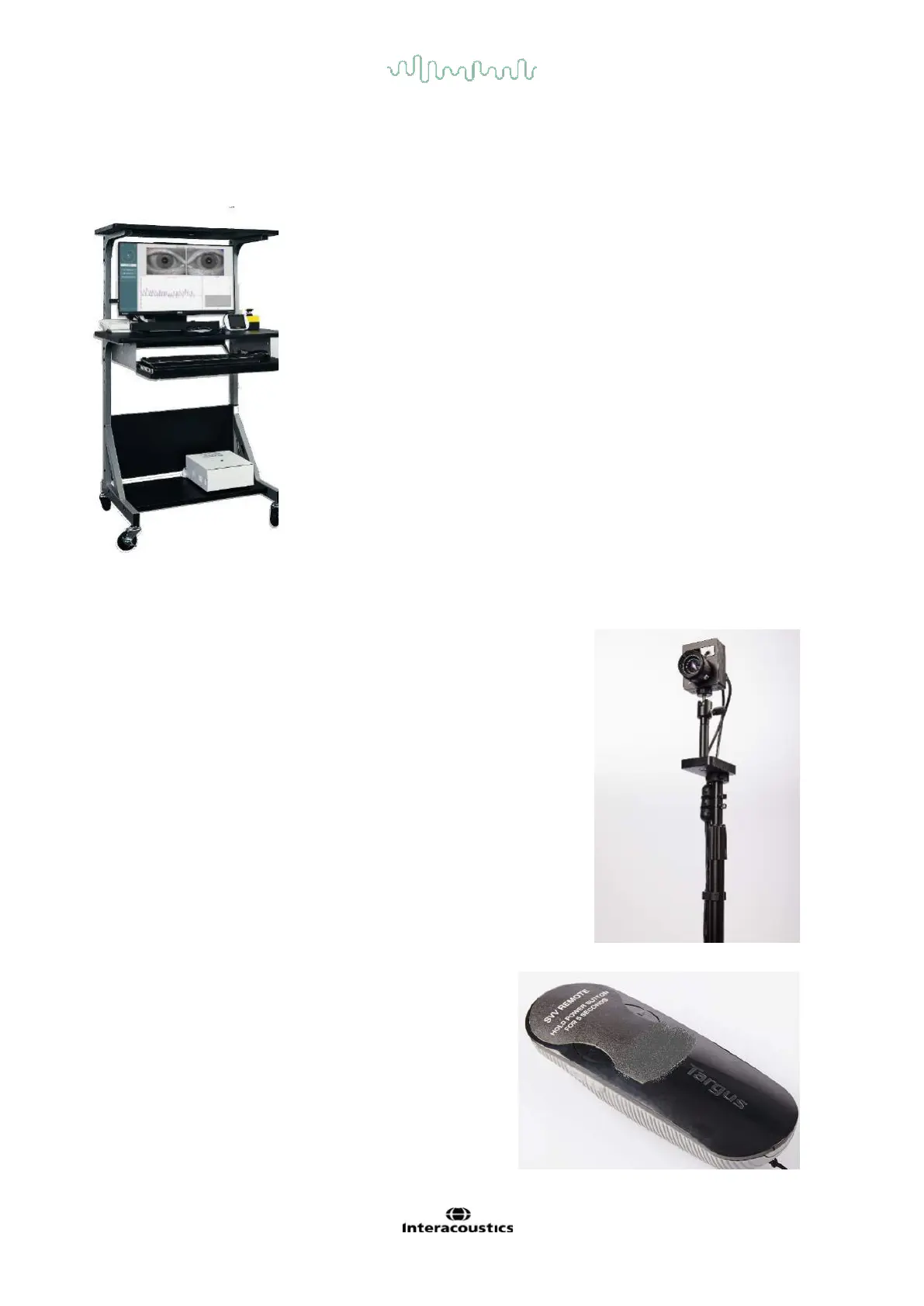
5.4 Cart configuration
If a cart is configured with the system, use the manufacturer’s assembly instructions to assemble the cart as
the cart styles may vary. Example of a chair equipment cart assembled with accessories for Orion AT/C chair
is shown below.
5.5 Pediatric Patient Observation pole mounted camera and Monitor (optional)
A pole mounted camera (pole attached to chair at footrest) can be used
to observe patients in the chair. The single camera assembly has two
6ft USB cables, which can be routed to plug into the back of the chair
frame. The patient is observed in a video window in VisualEyes
software screen. There are zoom, focus and aperture adjustments on
the camera lens that can be used to adjust the image quality.
5.6 SVV remote
Two button remote used by patient to rotate SVV line.
Patient uses thumbs to push right or left button.
Power button is on left side of remote.
USB receiver plugs into USB extension cable to a USB port
of the computer.














 To Next Page