D-0120794-C – 2019/11
Orion Rotary Chair Installation Instructions Page 24
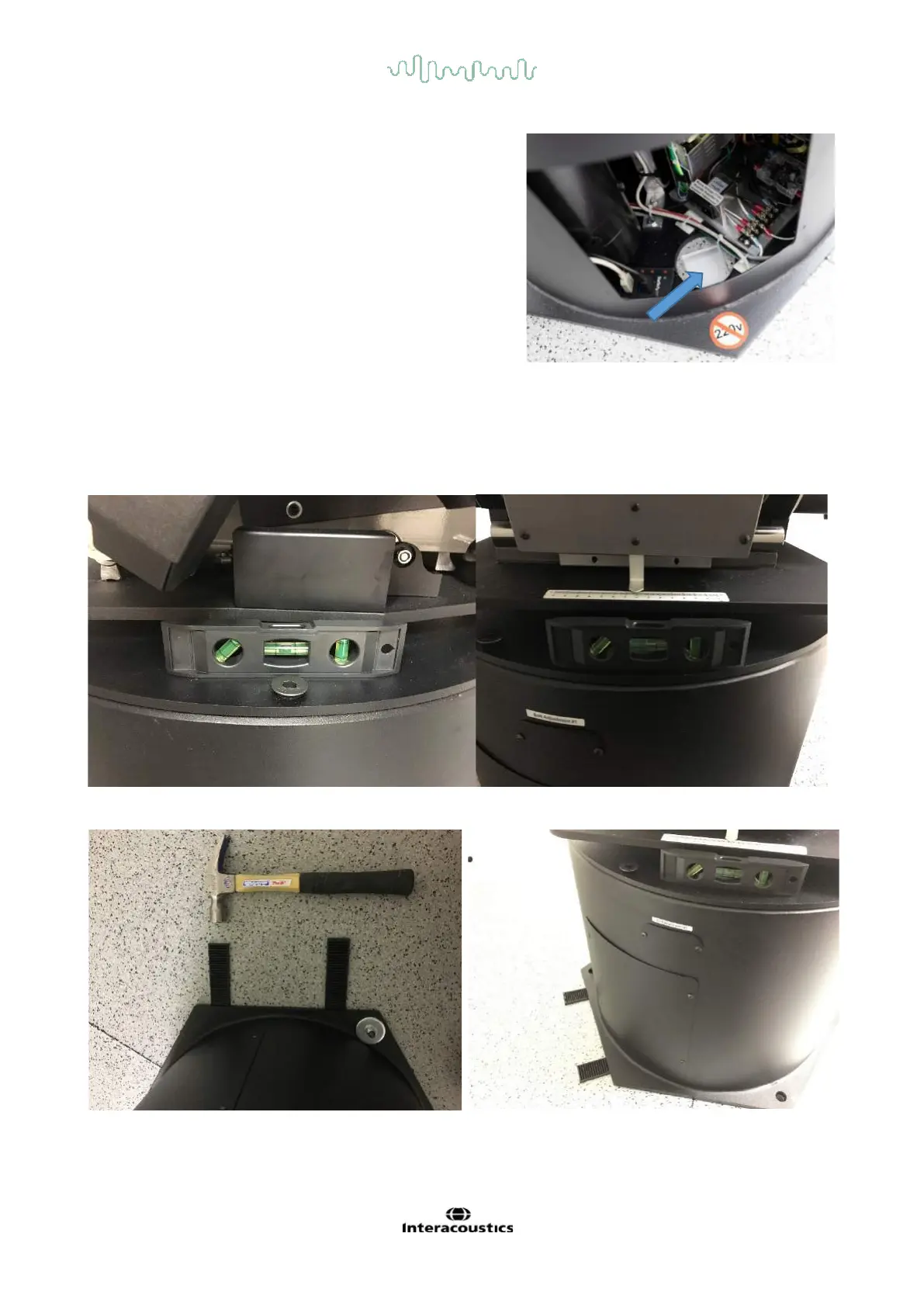
Note the location of the panel with four screws on the chair
base with the voltage warning symbol. This panel is oriented
over the opening in the booth floor where the cables enter.
After the chair has been brought into the booth, rotate the
chair base to align the panel side with the opening. Booth
Cable Channel Viewable in Chair Base
4.3 Leveling the Chair
Check that the chair is level by placing a small bubble level on the chair base at a few different spots. If
necessary insert small pieces of the black plastic shim under the sides of the base. Use a hammer to wedge
in the shims till the bubble is close to level.
Level check on different places of chair base
Leveing the chair using black shimps














 To Next Page