185Intermec EasyCoder 501 – Service Manual Ed. 7
Chapter 24 Print Quality Adjustment
24.1 Test Labels, cont.
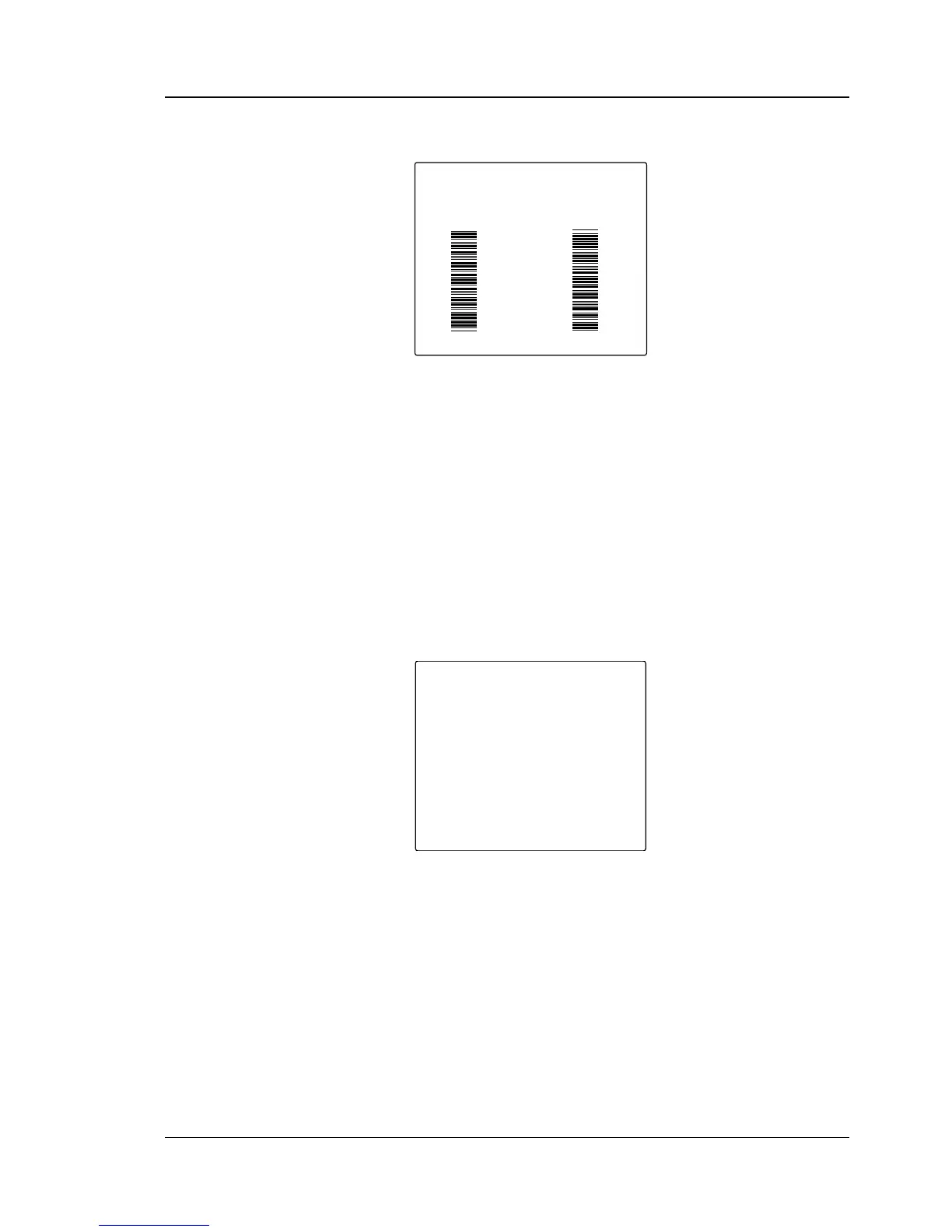
Test Label 4
The ultimate test for all direct thermal and thermal transfer bar
code printers, regardless of brand, is bar code printing in ladder
attitude, that is, with the bars running across the feed direction. Test
label 4 contains two such bar codes. Check for “bleeding” between
bars, which indicates that the printhead does not cool off between
the bars due to too much heat and/or too high speed for the print
media in question. Normally, the fi rmware should control heat and
speed as to avoid excessive bleeding.
Test Label 5...
In most cases, a fi fth test label follows. This test label shows the
printer’s present setup. If the setup information does not fi t into one
label (for example because of three sets of serial communication
parameters and buffers), additional labels will be produced until all
setup values have been printed.
After examining the test labels, take appropriate action according
to the lists in Chapter 24.2.
CODE39
CODE39
UART1
BAUDRATE 9600
PARITY NONE
CHAR LENGTH 7
STOPBITS 2
RTS/CTS DISABLE
ENQ/ACK DISABLE
XON/XOFF
DATA FROM HOST ENABLE
DATA TO HOST ENABLE
NEW LINE CR/LF
PRINT CONFIG
CONTRAST 5
LSS ADJ 80
STARTADJ 0
STOPADJ 0
XSTART 0
WIDTH 832
LENGTH 1200
MEDIA TYPE LABEL (w GAPS)
HEAD RESIST 518
PAPER TYPE UBI HP 20
PERFORMANCE NORMAL
MEMORY ALLOC
IMAGE BUFF SIZE 48 KBYTE
REC BUFF UART1 300 BYTE
TRANS BUFF UART1 300 BYTE



 To Next Page