User’s Manual of netMod Network Termination Unit
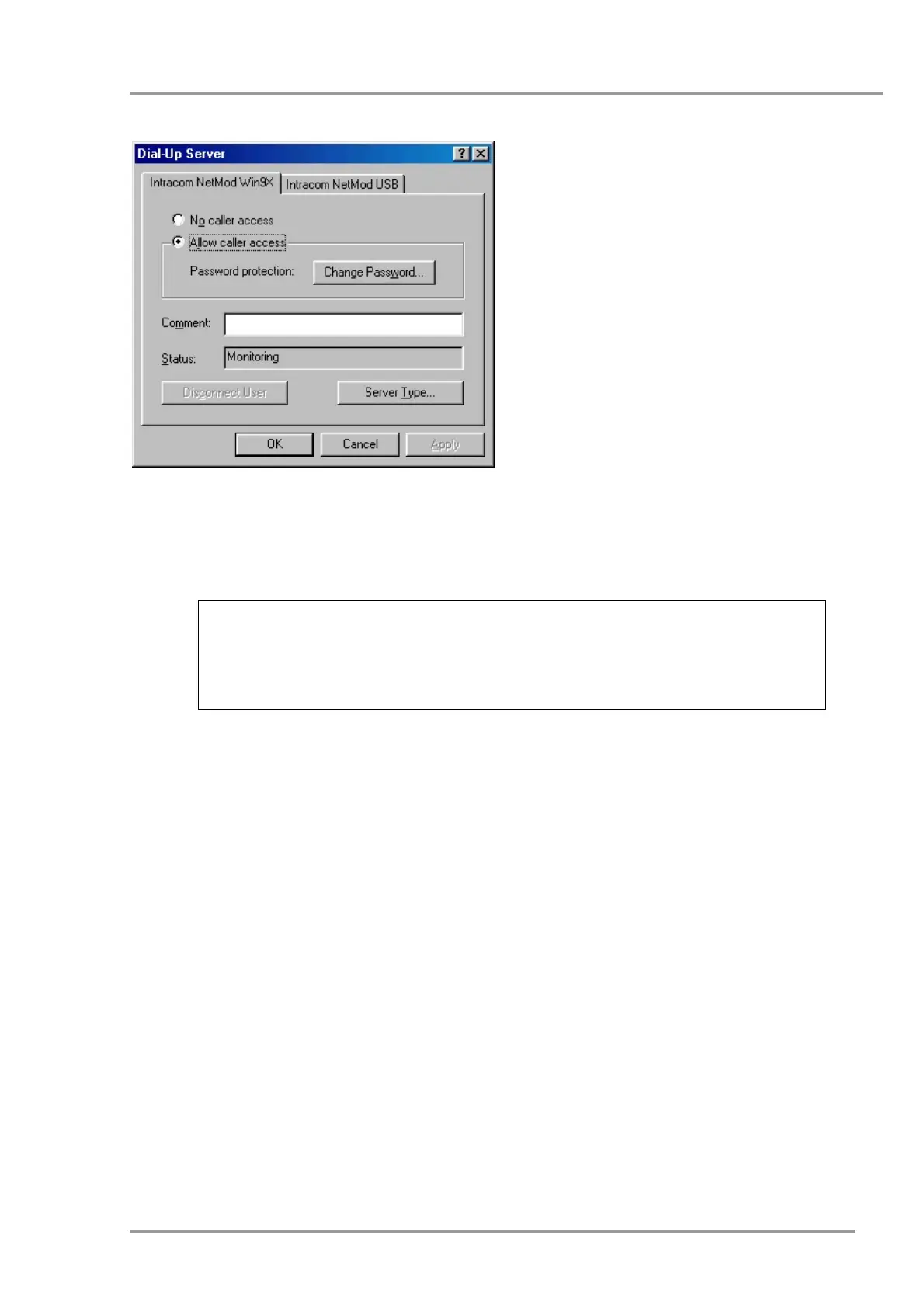
Once the connection is established, you can
have access to the hard disk of the remote
PC (when the File Sharing is activated on
the Dial-Up Server). To do so you can use
the Find Computer on the Start menu.
Search for the PC that you are connected to,
by using its network identification name.
When you find the PC double click on the
icon that appears. All the shared hard disks
of the remote PC will appear on a new
window and you can have access to them in
the same way that you have access to your
local disk.
In specific dial-up server versions the ATS42=0 command has
to be given in the area of <Extra Settings>, in the <Advanced
Connection Settings> window, appeared by selecting
<Properties> of the connection.
5


 To Next Page