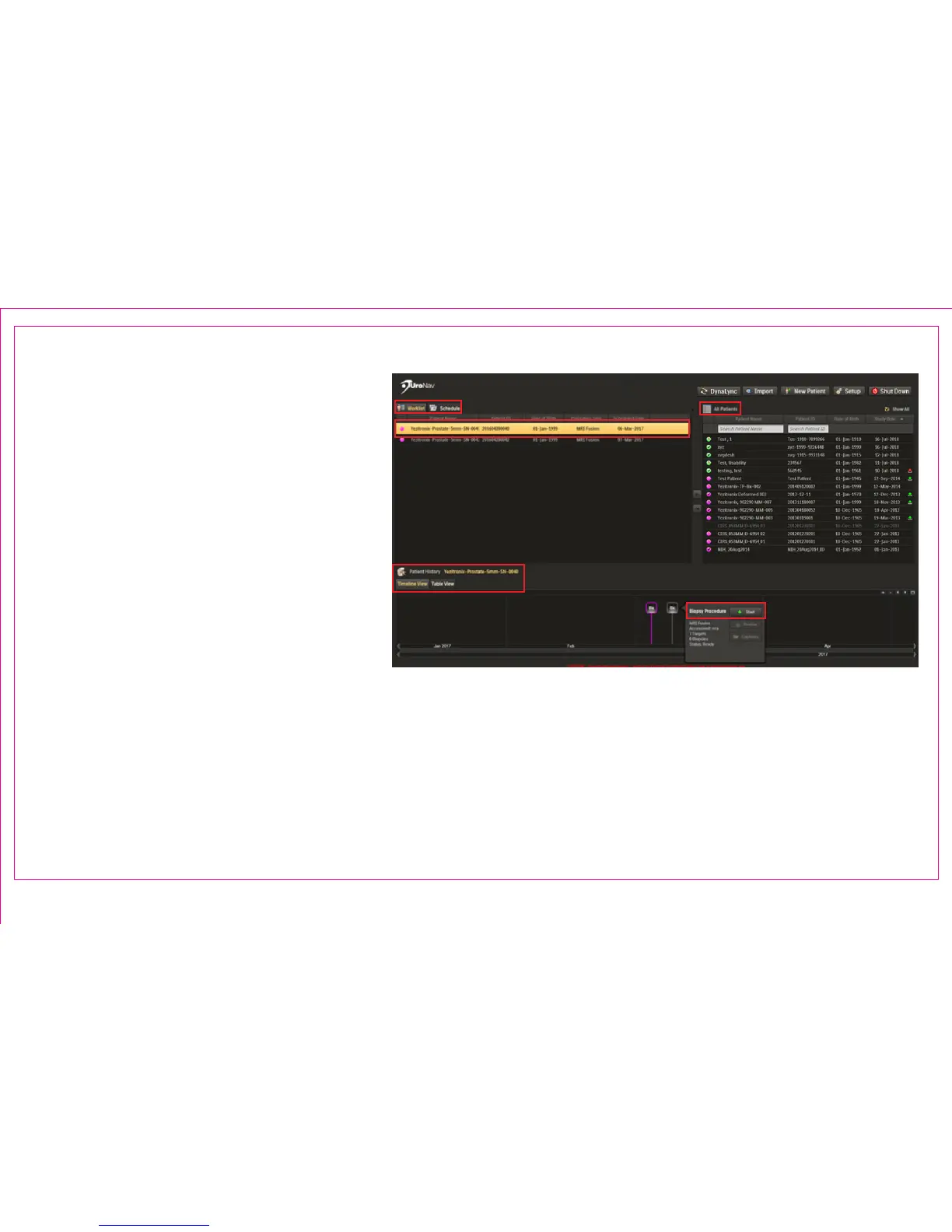
1. Select patient study from the All Patient
List
2. Move patient into a Schedule or active
Worklist
Preview or Begin a New Procedure:
3. Select patient from Worklist
4. Select study from chronological Patient
History Timeline
5. Click Start to proceed to Review
Segmentation and Targets Screen
Patient Worklist & Timeline
Page 7
Section 1.6: Patient Worklist – Schedule – Timeline
3
2
1
4
5



 To Next Page