Page 48
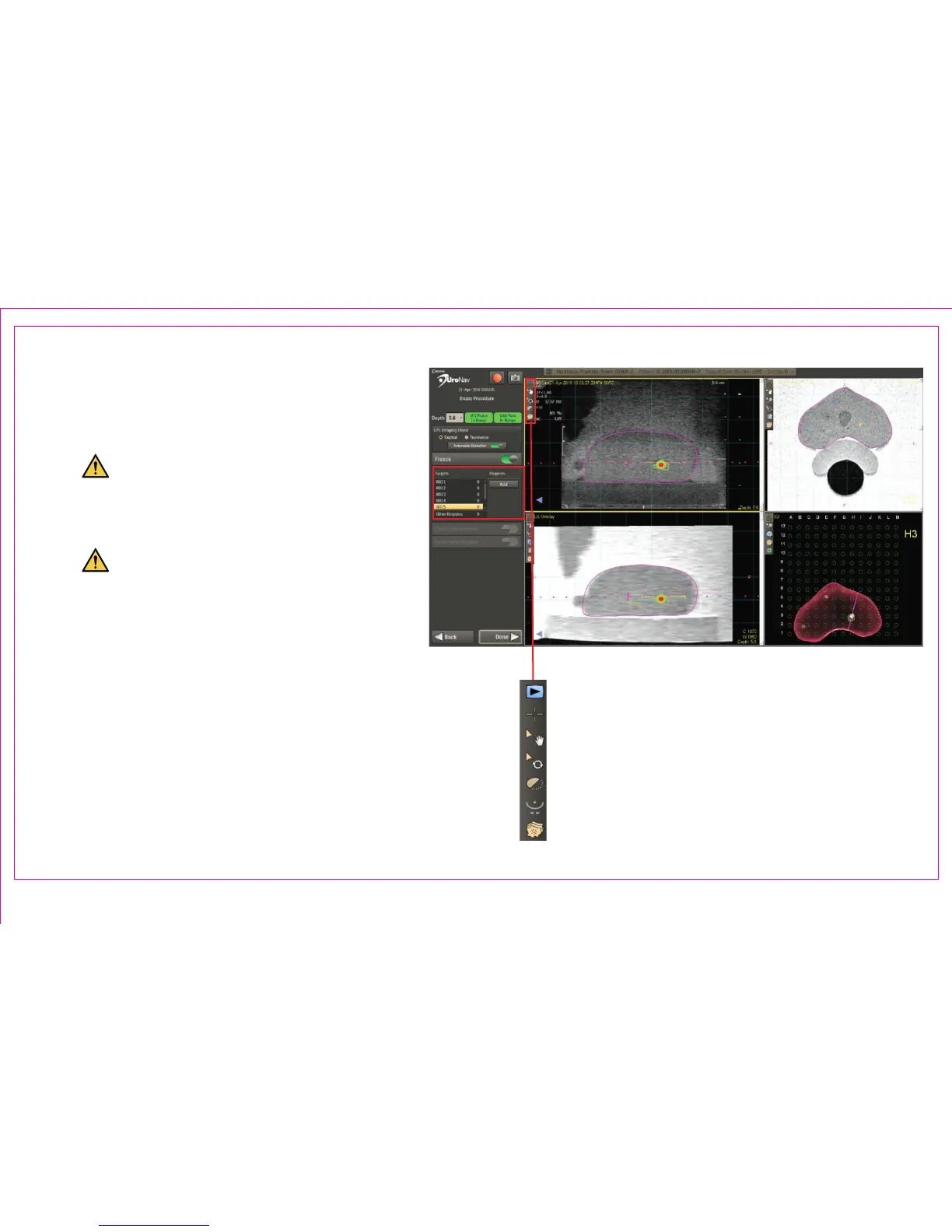
1. Image Action Commands within any 2D
viewport realign the anatomical landmarks of
the magenta MR boundary to be in line with
the US image
Maintaining alignment is necessary
throughout the procedure and may
require multiple adjustments using the
Stepper and Stepper Arm devices
Failure to successfully align the US
with the MRI requires returning to the
Sweep and Segmentation screen
2. Select Target(s) and Biopsies List
Right Click for a Context Menu to:
• Delete / Rename biopsy
• View PI-RADS (if available)
• Add to record a screenshot of biopsy
location
Section 6.2: Transperineal Biopsy Procedure
2
1



 To Next Page