Page 47
Section 6.1: Tool Setup / Field Generator (FG) Positioning (Continued)
Initialize Navigation Tools to create Electromagnetic
(EM) Field for Fusion Registration, Targeting, and
Recording Biopsy Core Samples
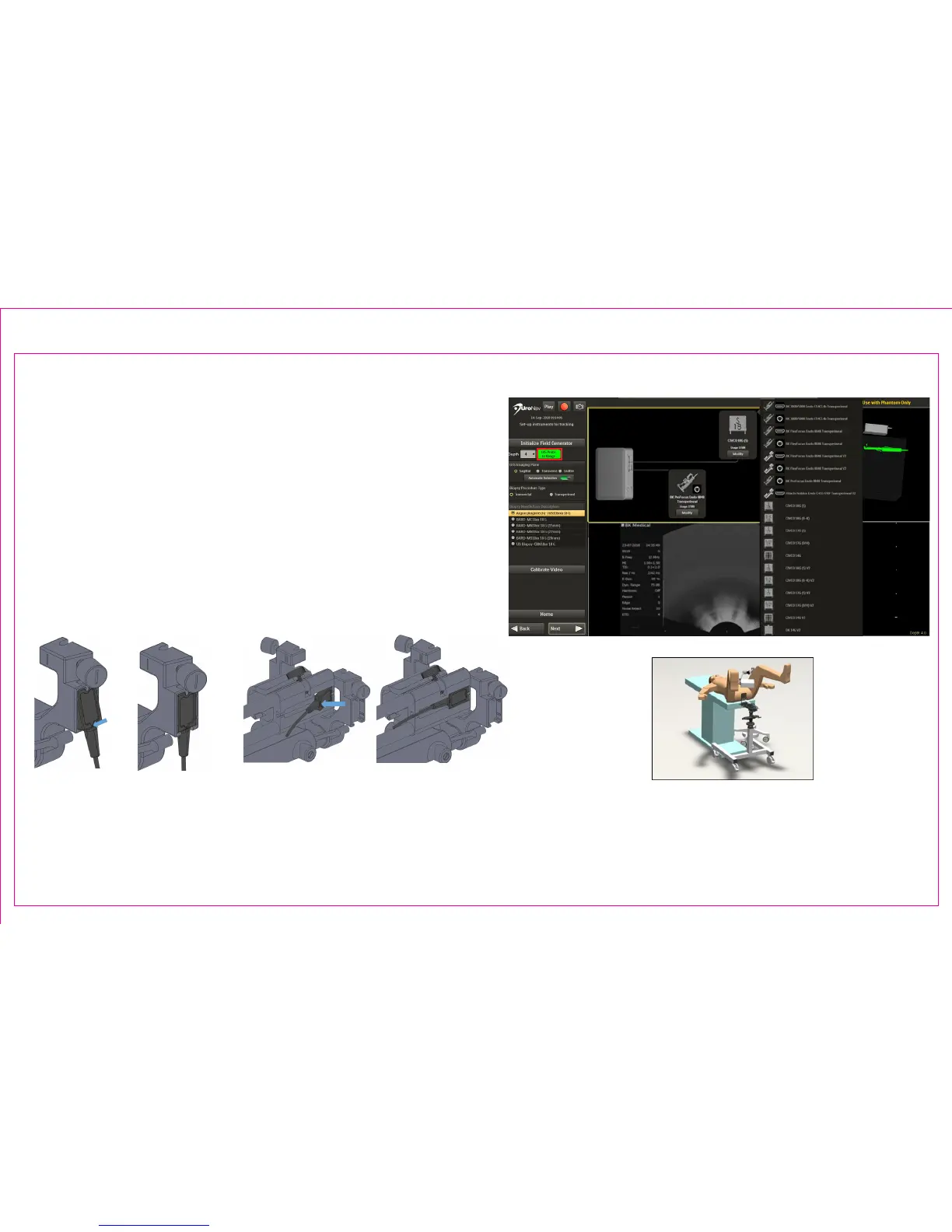
4. EM Tracker Status
• The color represents the range found within
the generated EM eld
• Green color shows tracking “In Range”
4
4
Note: See Section 5: UroNav Supported Supplies
of this document for list of US models, probes and
biopsy supplies compatible with UroNav.
Position FG directly
over tracking device(s)
following US probe
insertion
Apply force until both EM trackers are ush.
(Second generation stepper shown)



 To Next Page