Locate pre-dened targets
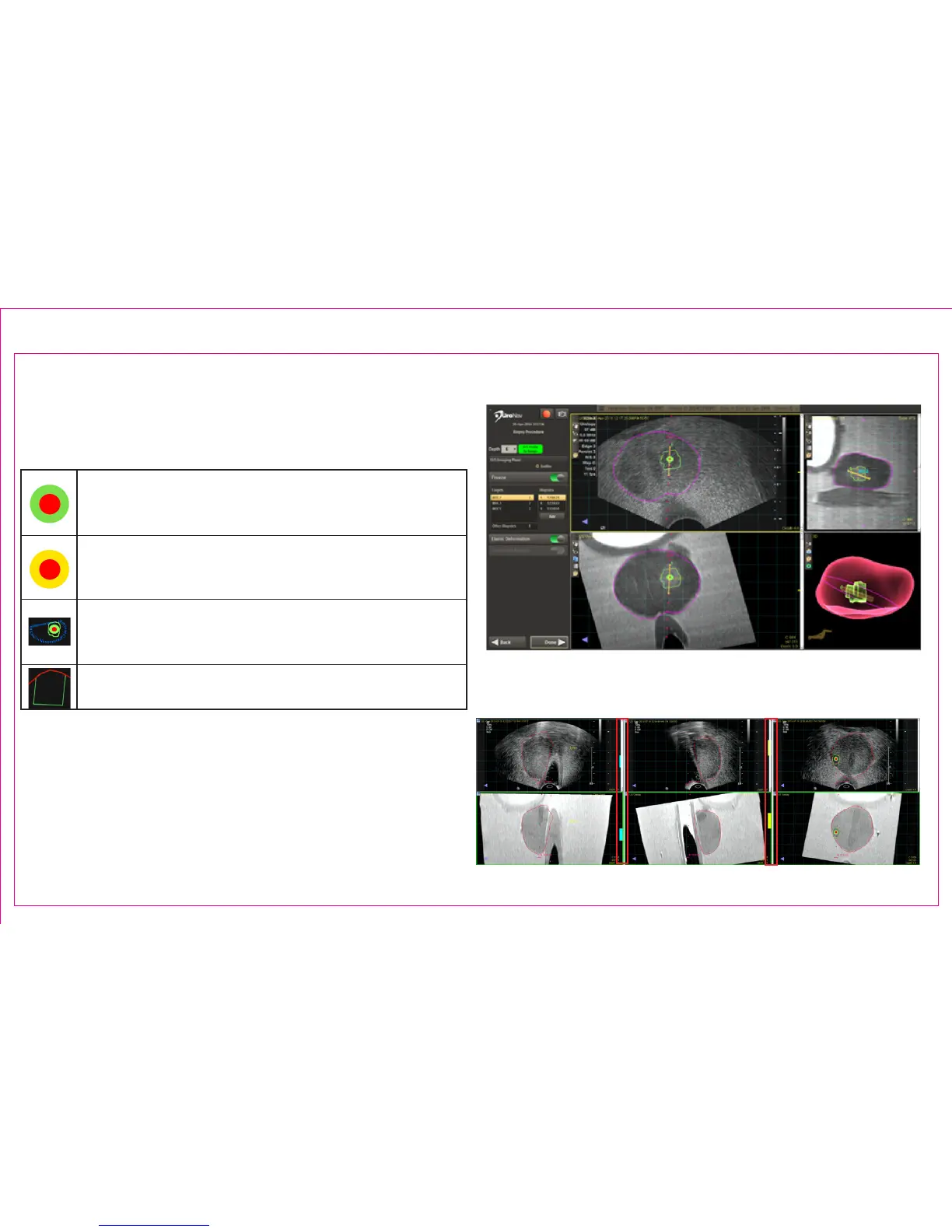
3. Biopsy Procedure: Target Icon Appearance
MRI-imported target
Note: The bull’s-eye for MRI-imported targets represents
the calculated center of the identied target
Manually-added target
Note: Manually added targets are visually distinct from
imported targets
MRI-imported sub-region
Note: A sub-region target is drawn in relation to the
parent target (blue)
Systematic plan region
Note: Systematic plan regions do not include a bull’s-eye
4. Color-coded guidance bars (blue/yellow) assist to
navigate to the selected target
Page 16
Section 2.6: Transrectal Biopsy Procedure (continued)
2
3
4



 To Next Page