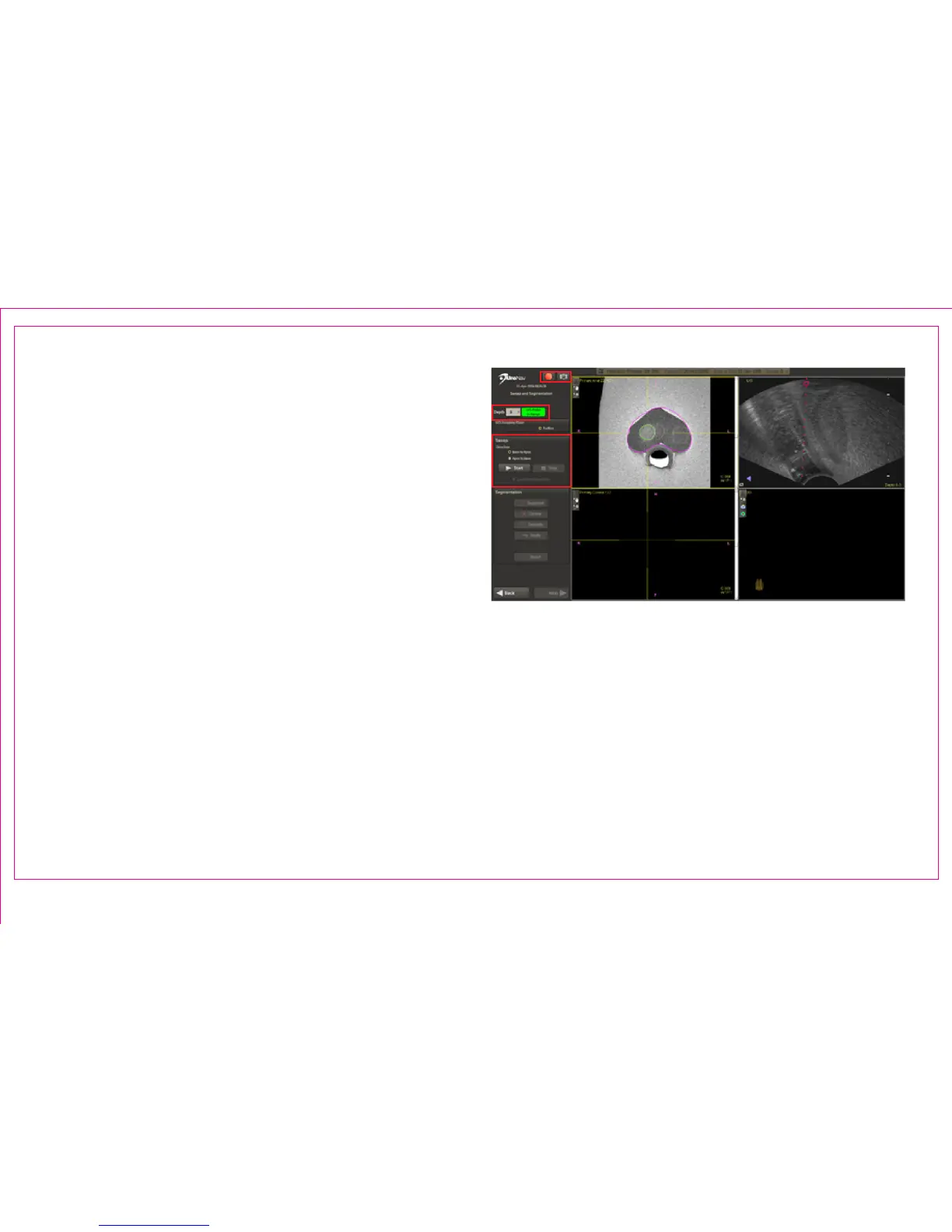
Acquire US Sweep to Reconstruct a 3D Model of the
Prostate
1. Recording Commands
2. TRUS Information / EM Tracker Status and Depth
Selection
3. Ultrasound Imaging Plane
4. Sweep Commands
A. Alternatively, the 3-pedal foot switch
may be used.
i. Press the Start button or depress
and hold the Sweep Pedal on the
supplied 3-pedal foot switch to
begin collecting ultrasound images
of the prostate gland
ii. Press the Stop button or lift the foot
o the Sweep Pedal to halt image
collection and allow for 3D
reconstruction
The sweep is best performed as a smooth, steady
motion, applying constant pressure. Sweeps of the
gland are supported with the patient in the left
decubitus, right decubitus, or lithotomy positions.
For end-re TRUS: Sweep transversely from base to
apex (or apex to base) of the prostate without rotation
and keeping the needle guide upward, closest to the FG.
For side-re TRUS: Sweep in the sagittal view and
completely from one side of the prostate to the other.
Alternatively, the sweep can be performed in the
transverse plane, perpendicular to the gland, from the
base to apex, or apex to base.
Page 11
Section 2.3: TRUS Sweep and 3D Segmentation
1
3
2
4



 To Next Page