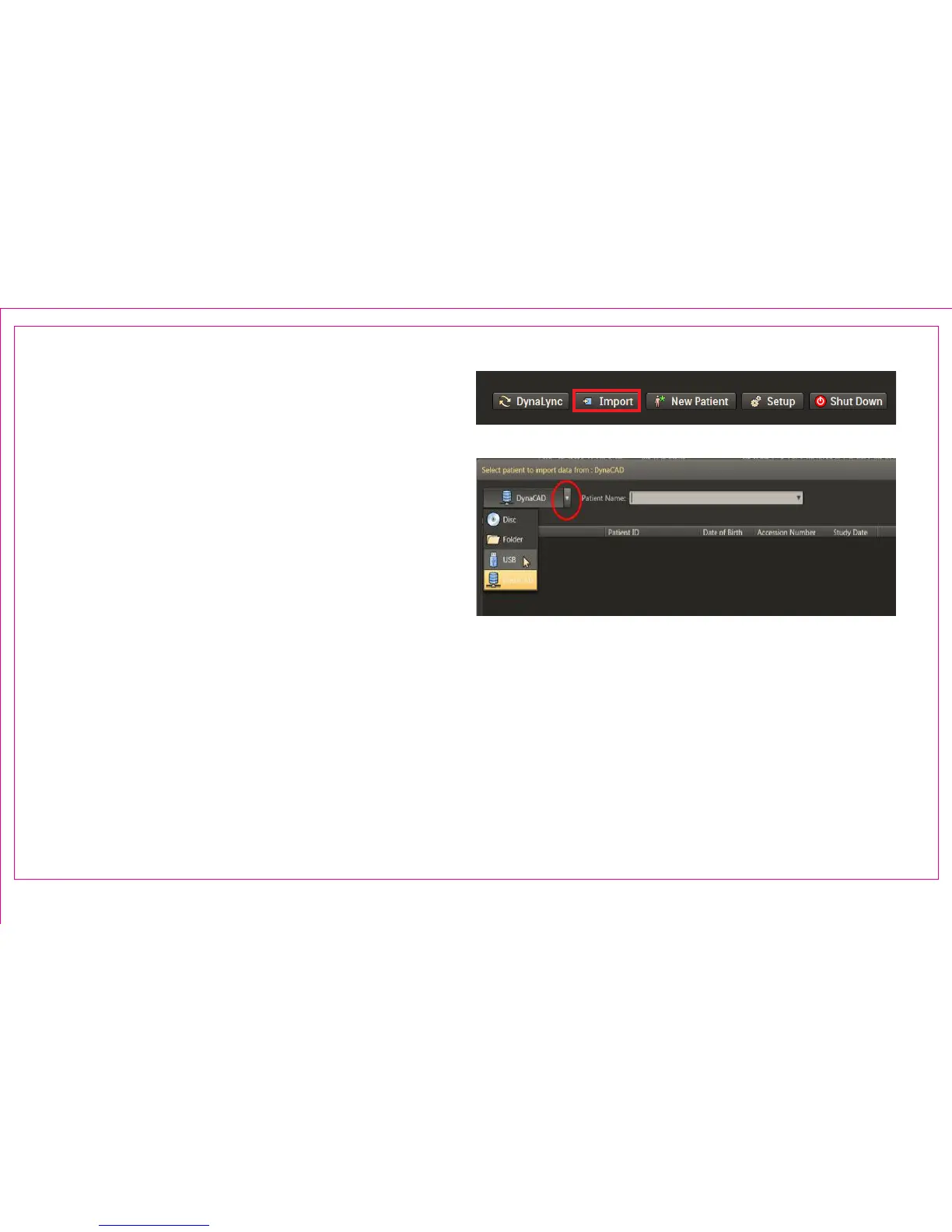
1. Press Import from the Patient Browser Window
Note: The last selected import option becomes the
default query node and automatically populates
patient names
2. Import from external media using the drop down
list
3. Patient Import will automatically retrieve three
series types:
• DCAD STL Prostate Boundary
• DCAD ROI (targets, if provided)
• High resolution T2 axial MRI
Note: It is suggested to import and view the MRI data
in advance of the procedure to verify data preparation
Import Drop Down List
Page 5
Section 1.4: Import MRI Data
2
1



 To Next Page