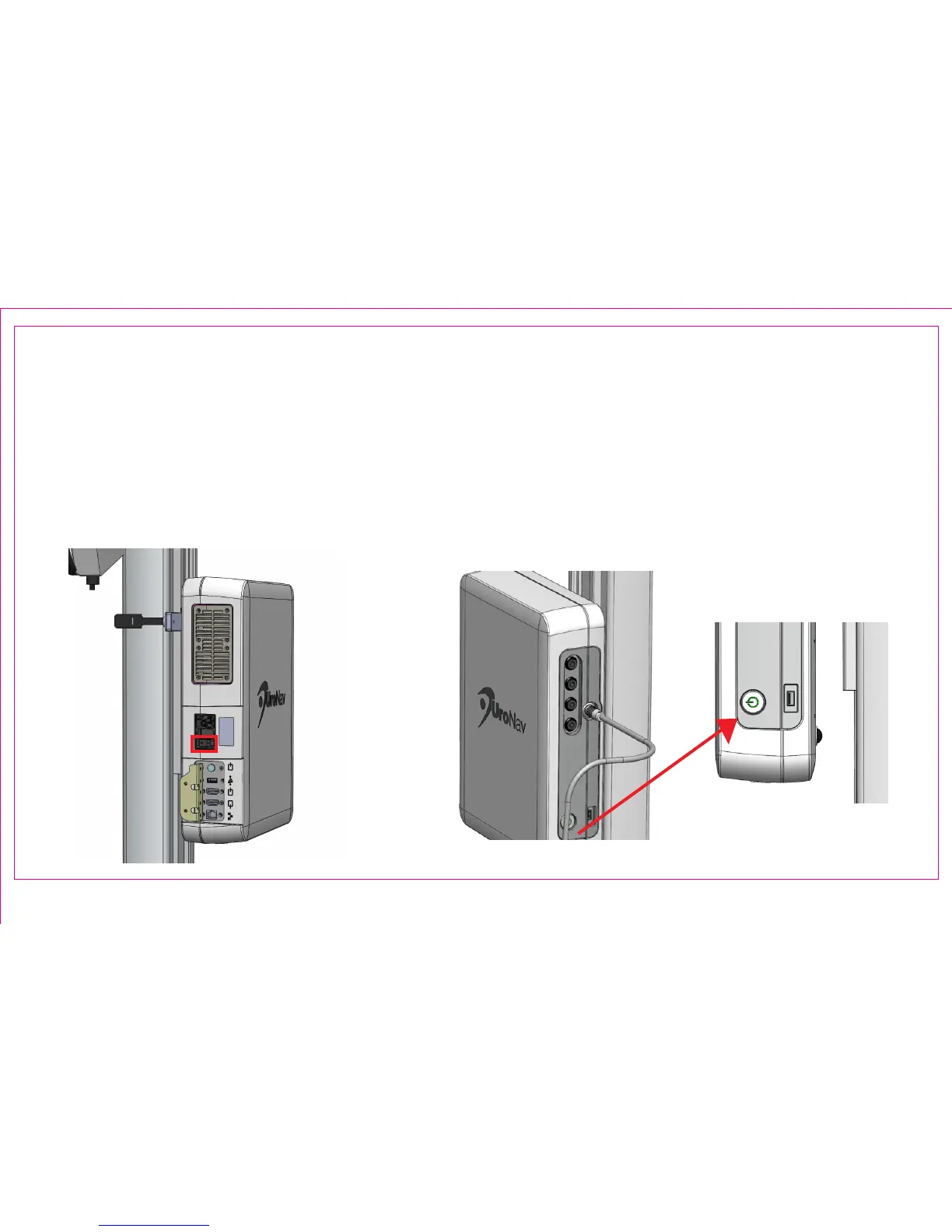
1. Connect the AC Mains cord set plug to the AC Mains source (not pictured)
2. Turn On the UroNav Fusion Biopsy System Mains power switch on the rear panel Mains AC appliance inlet
3. Press the power button on the front panel to power the system on. Green power switch LED will illuminate
4. The UroNav application will automatically launch, and the system is now ready for operation
Magnied Front View
Rear View
Page 3
Section 1.2: Power ON Sequence
3
3
2



 To Next Page