*DynaLync Prostate is an optional feature, sold
separately
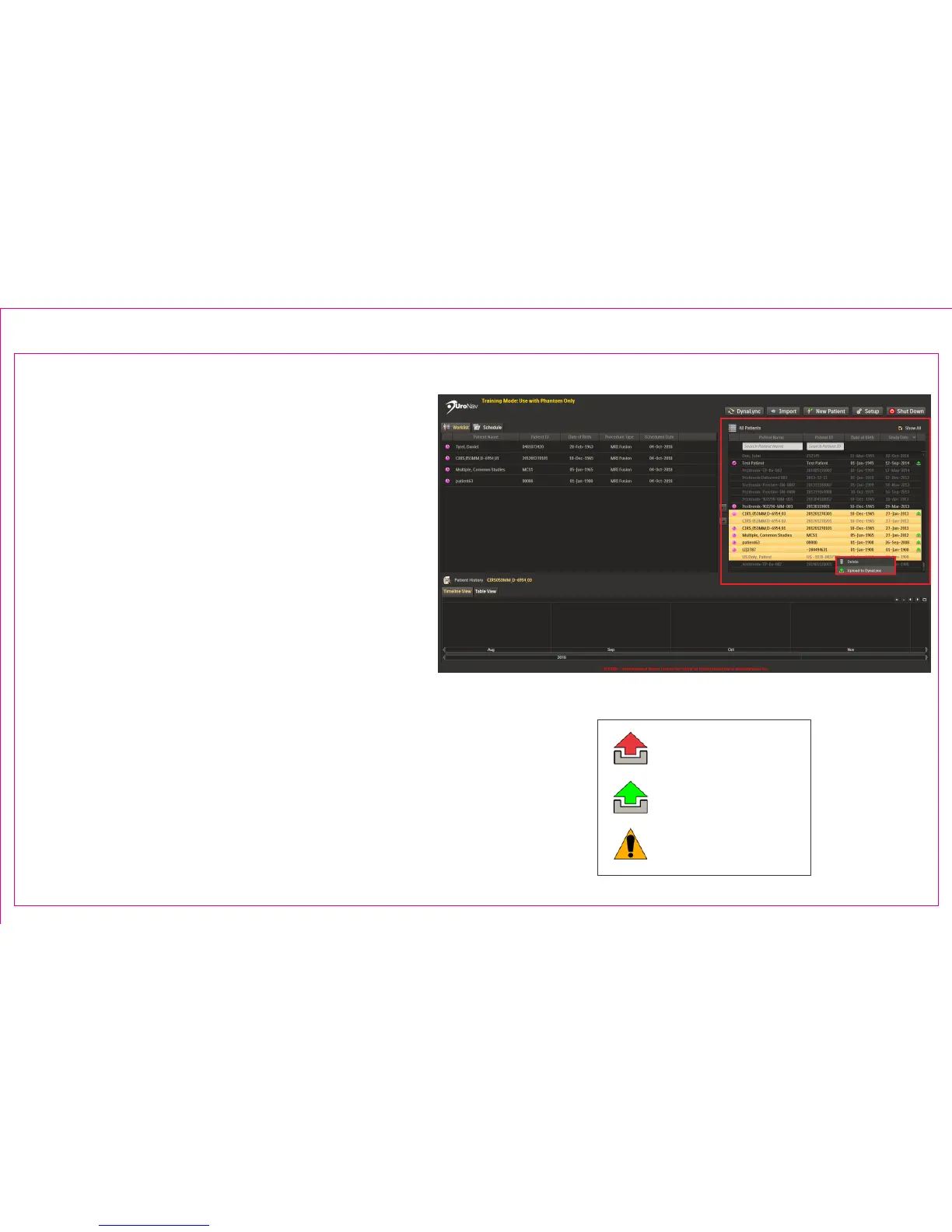
Upload procedure data to the DynaLync Prostate
system for permanent storage, and subsequent
removal from the UroNav computer.
If connected to the network, data will be
uploaded automatically to DynaLync following
each procedure.
To manually transfer all biopsy data:
1. Select patient(s) from the All Patients list
2. Right Click to Upload to DynaLync
Upload Status Icons
Upload Failed
Upload Completed
Upload Not Ready
Page 19
Section 3.2: Uploading Procedure Data to DynaLync Server
1
2



 To Next Page