Page1
Section 1: UroNav Pre-Procedure
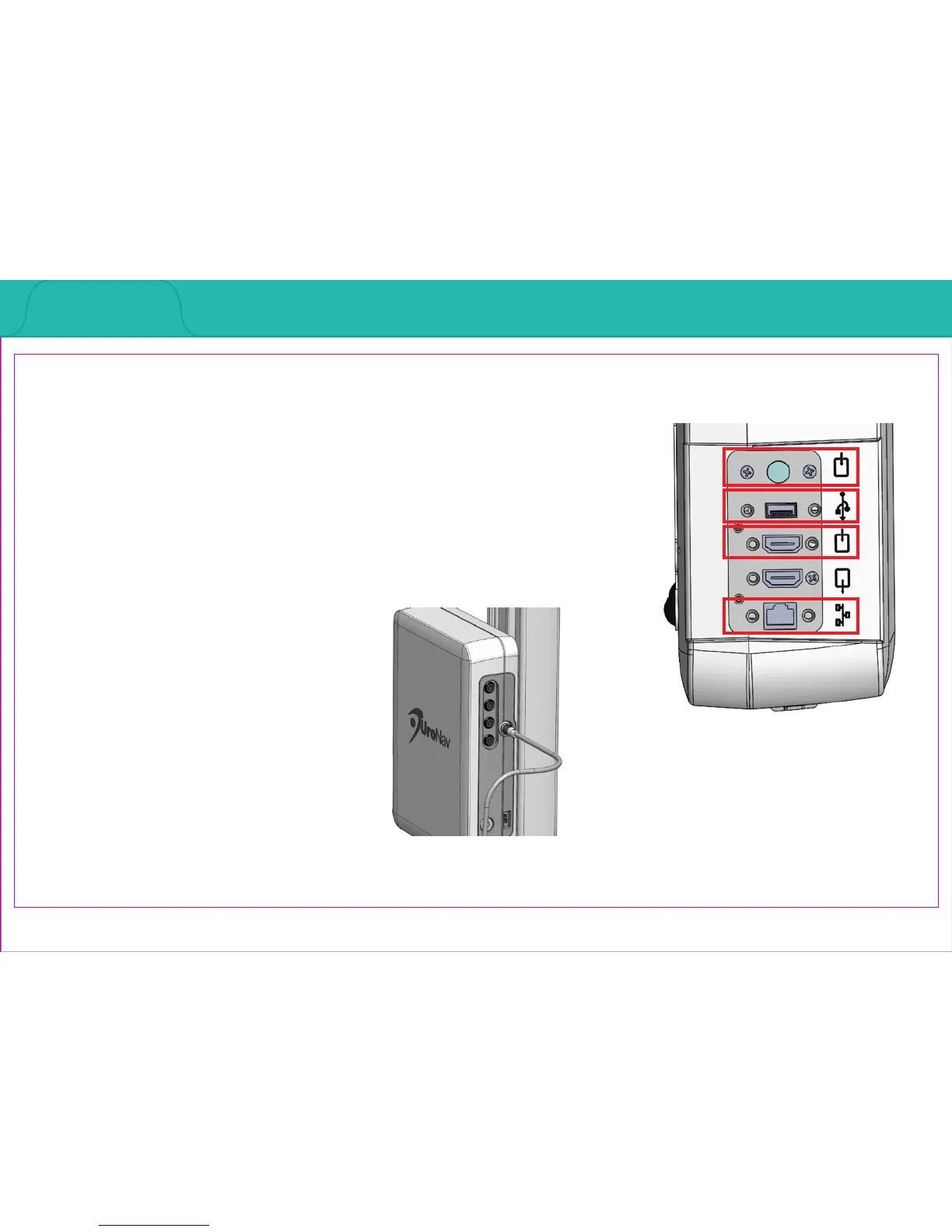
Rear Panel Connections
Front Panel Connections
Section 1.1: Connections to Peripheral Equipment
1. Wireless: Keyboard, mouse (not pictured)
2. S-video Input: Ultrasound video input
3. USB: 3-pedal foot switch, supplied with UroNav
system, and end-user supplied portable USB
memory drives
4. HDMI Video Input: Ultrasound video input
5. RJ-45 Network Coupler: End user hospital or out-
patient oce network
3
5
4
2



 To Next Page