Section 3: Post-Procedure/Support
Section 3.1: Post Procedure Overview and Exporting DICOM Data
Page 18
1
4
3
2
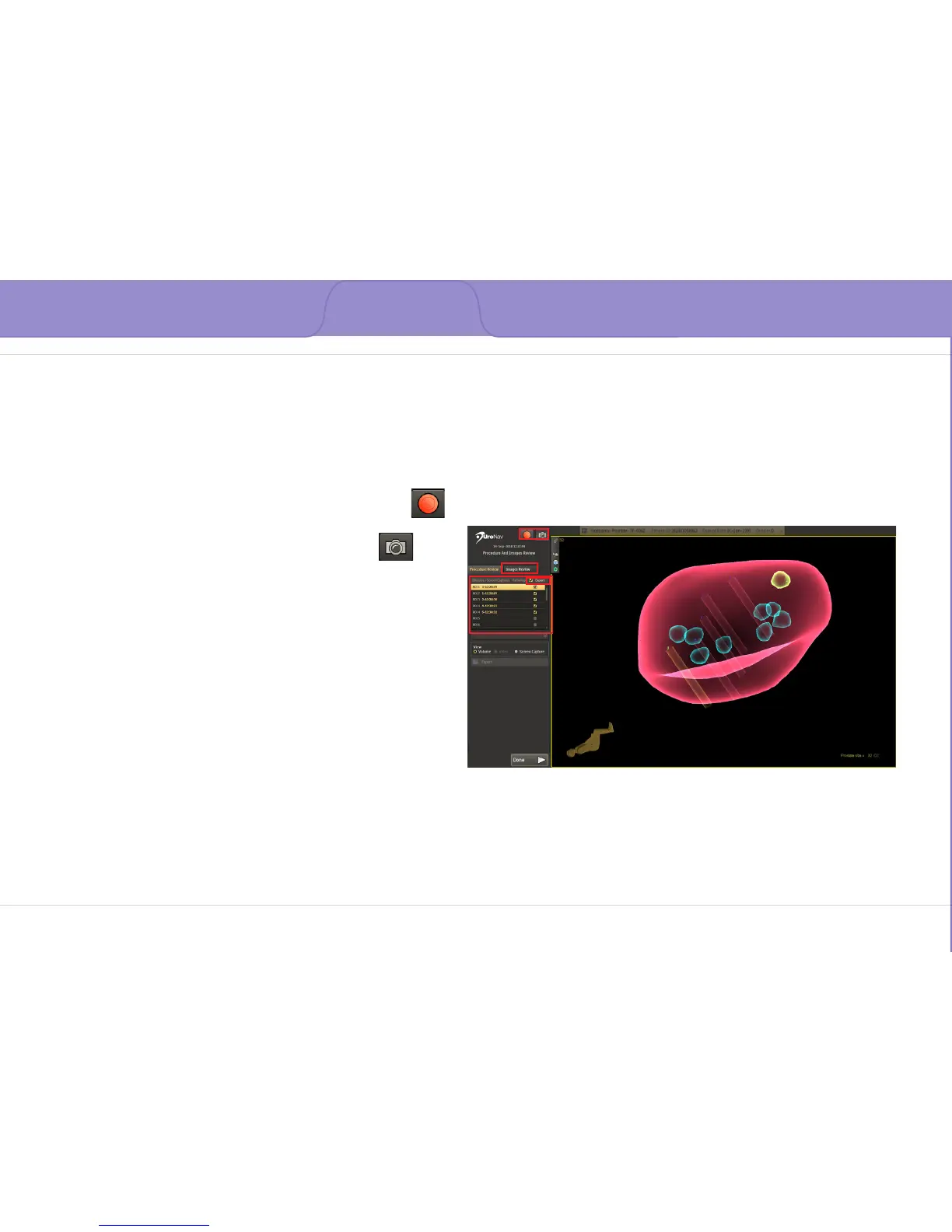
The 3D image can be zoomed and examined from
multiple viewpoints
1. Recording Commands
• Video Recording - Start/Stop acquiring
Mp4-formatted video recording
• Acquire Additional Screen Captures
2. Images Review displays all targets and associated
biopsies in 2D tri-planar MRI format
3. Target List includes screen captures collected
during the current procedure
• Each biopsy has a corresponding screen
capture
4. The Export checkbox identies screen captures to
be exported
• Select Export to choose a predened
DICOM destination



 To Next Page