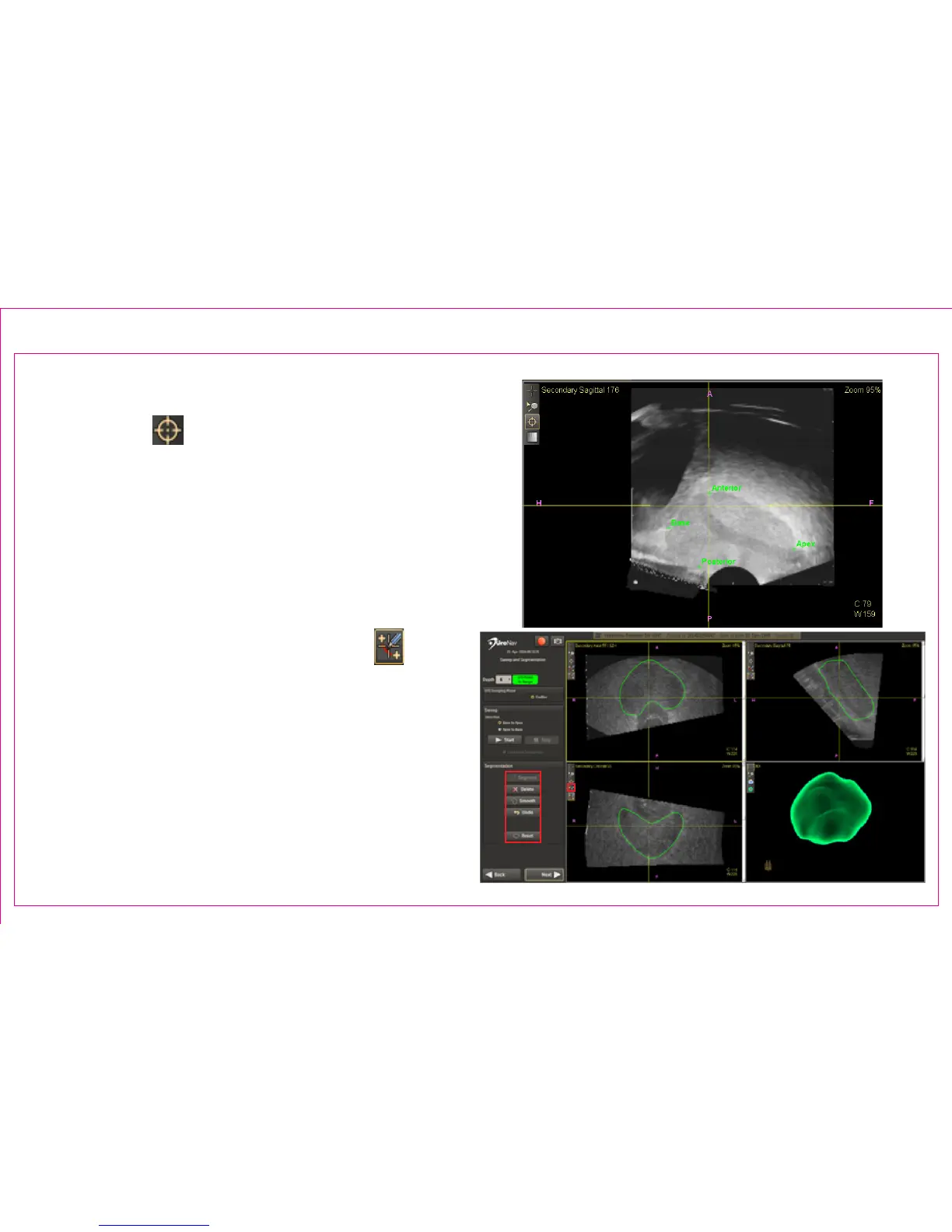
Following a sweep, the default Anatomical Fiducial
Landmark Tool allows as many as six axis
endpoints be placed to support 3D reconstruction.
Segmentation Action Commands to Edit 3D Boundary:
1. Press Segment button to complete segmentation
and view 3D rendering
2. Modify boundary by clicking Action Commands
or, by dragging the left mouse button using the
default Adjust Mesh US Boundary Tool in any
viewport
Page 12
Section 2.3: TRUS Sweep & 3D Segmentation (continued)
1
2



 To Next Page