10
8
6
5
7
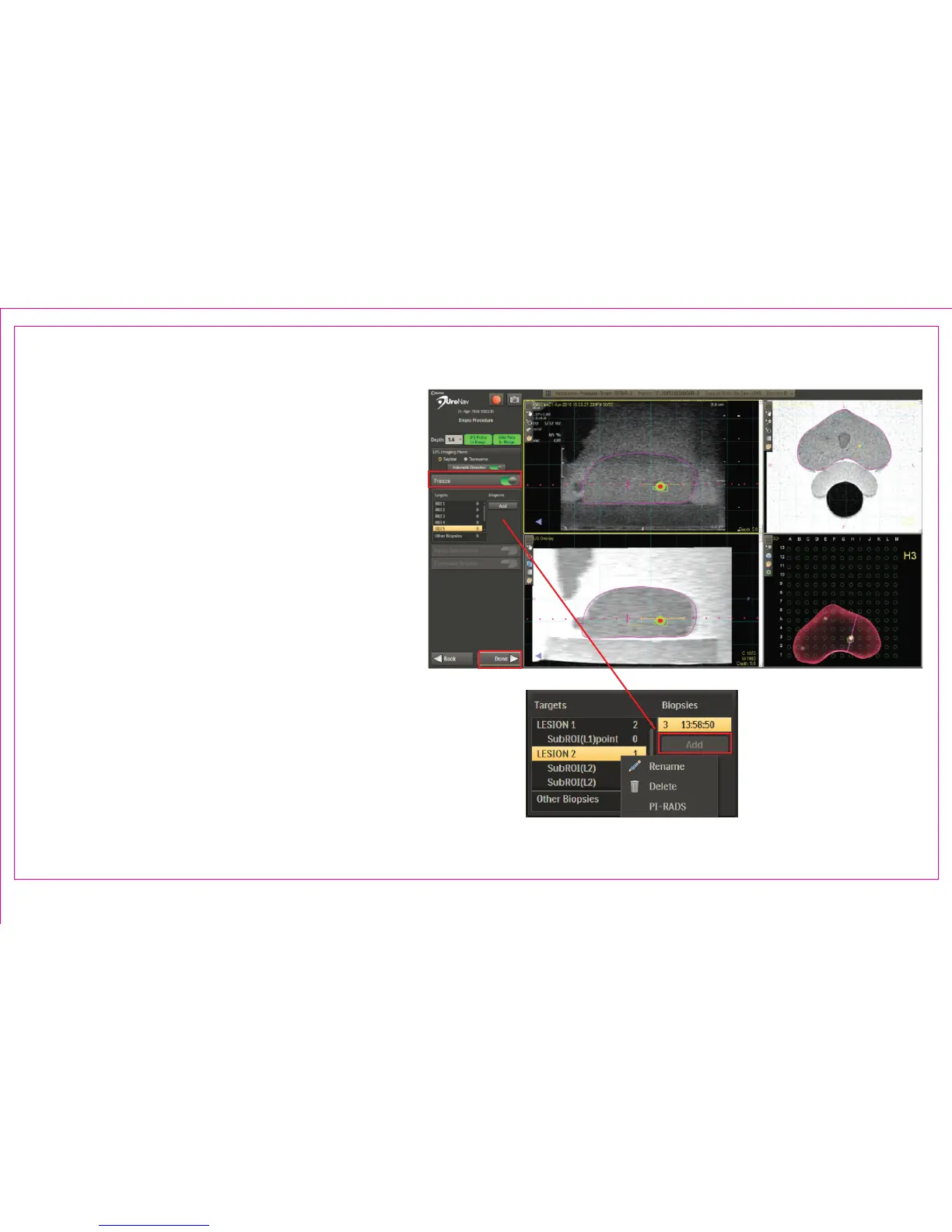
Acquiring a Biopsy Sample
5. When the biopsy sample is taken, select
Freeze or depress/release the foot pedal to
interrupt real-time, cine viewing
6. Scroll through the US frames to where
the distal tip of the biopsy needle is fully
deployed
7. Double Click to mark the distal tip
8. Press Add to automatically record a screen
capture the location and associate it with
the current target and resume real-time, cine
viewing
9. Repeat alignment registration for additional
samples or select next lesion and proceed to
navigate
10. Press Done when complete
Page 50
Section 6.2: Transperineal Biopsy Procedure (Continued)



 To Next Page