Note: 1080p50/60 resolutions will take most of the resources of the internal processor, we
therefore recommend that motion detection, VBR aggressiveness, recording and
noise reduction be disabled under this configuration.
o Wide Conversion– Set the desired behaviour when the video input requires
rescaling; stretch or crop.
o Noise Reduction Mode – Encoder engine feature to help improve a low-light
image
o Noise Reduction Strength – Scale to set Noise Reduction
o Edge Enhance – Allows the user to sharpen the image edge
o Edge Enhance Strength – Scale to set edge enhance feature
o Associated Audio – Set audio association to this video input. Any associated
audio will be streamed with video content on RTSP connections. Associated
audio will also be recorded within video clips if edge recording is enabled.
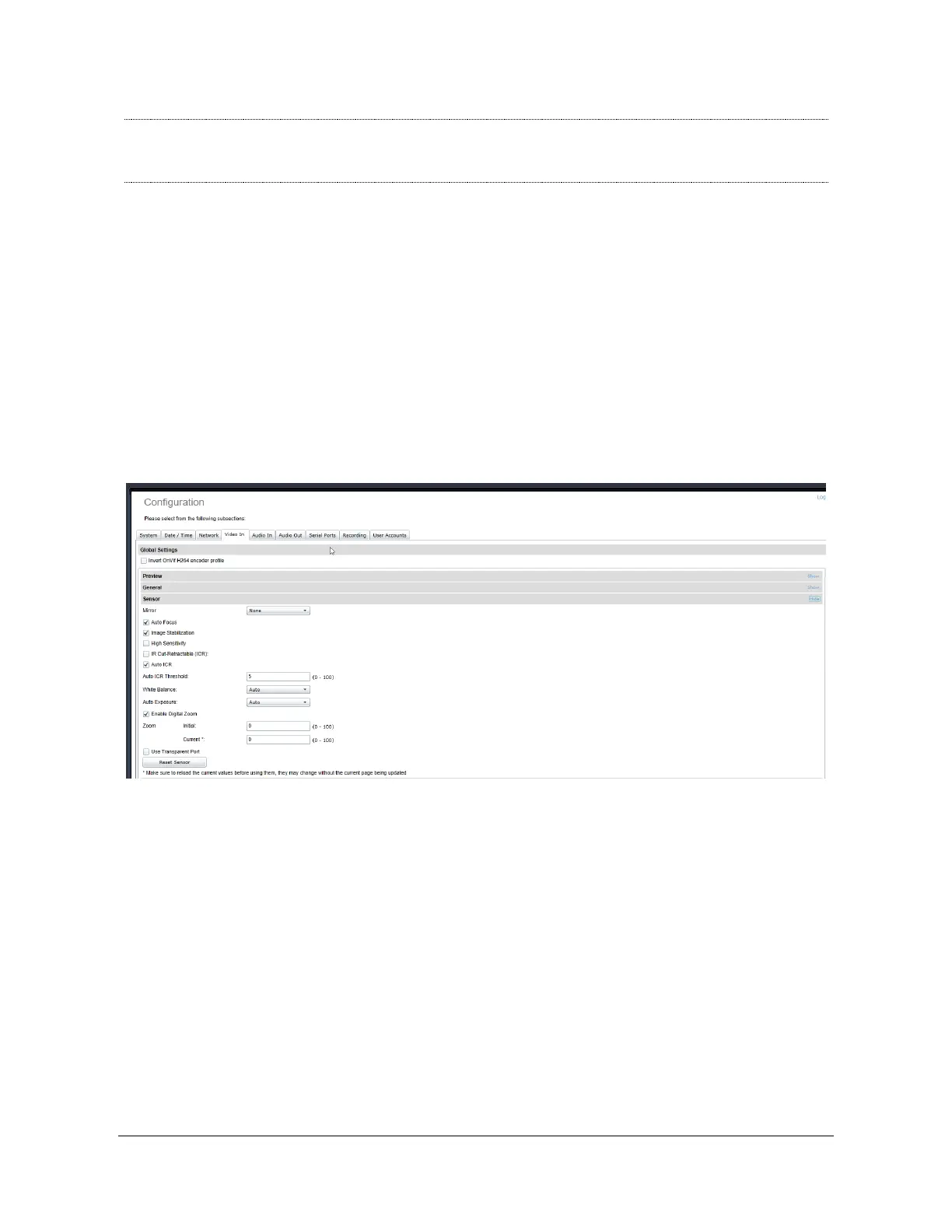
x Sensor – This section exposes all camera sensor parameters available. These
parameters are set and saved to the camera bloc itself if possible. Note that these
settings are only available if the Sensor selection is set to something other than Custom.
o Use Transparent Port – Enable this feature to expose the camera sensor
command and control port to external systems via a transparent TCP
connection. When enabled, a serial port instance will be displayed and
made configurable via the Serial Port configuration section. The name of
this serial port instance is displayed via the Transparent Port Instance
field.
o Reset Sensor – Will reset the sensor to factory settings



 To Next Page