is strongly suggested to disable VBR aggressiveness for low bit rate scenarios
(below 1Mbps) as this parameter may negatively affect perceived video quality
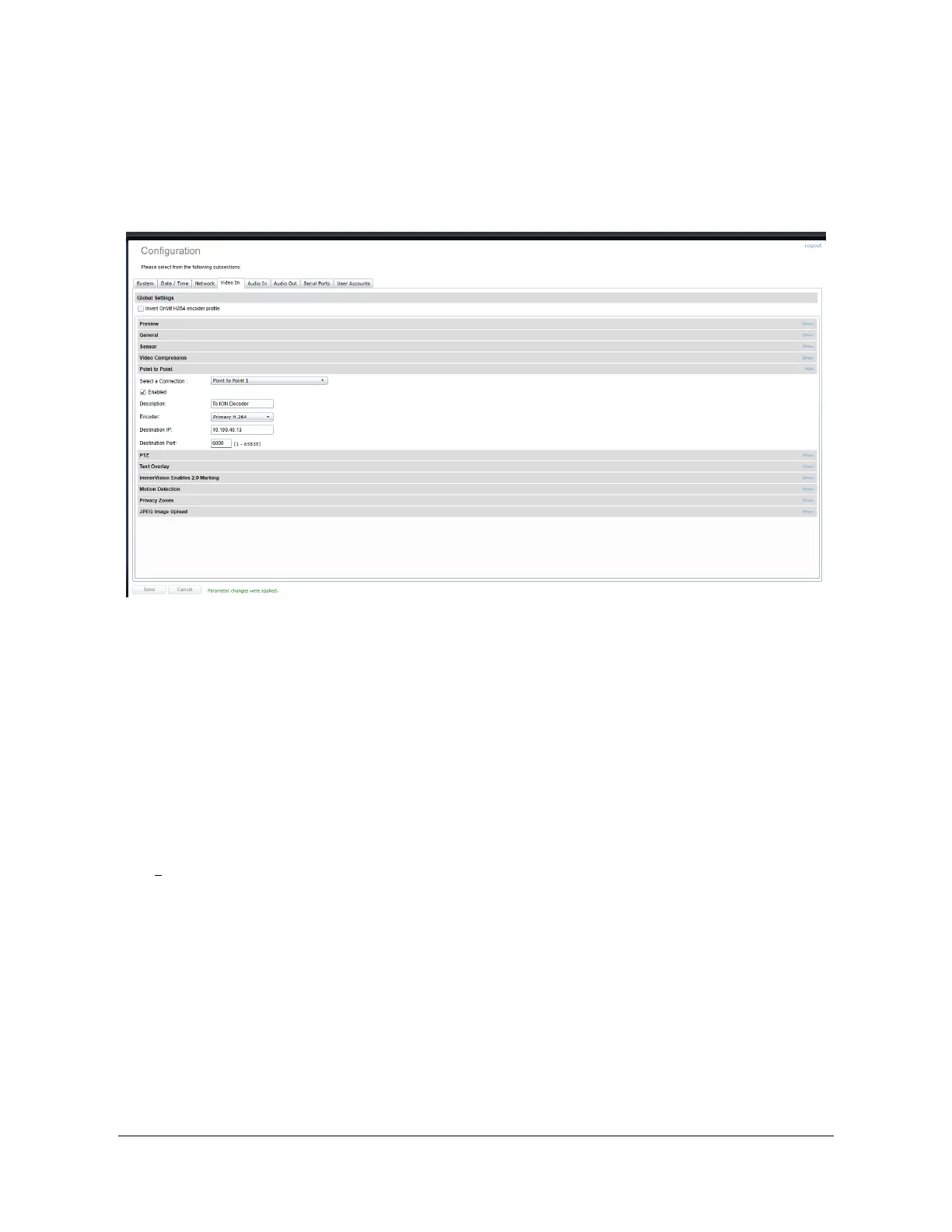
Point to Point – This section allows you to configure point to point video connections for
creating persistent video streams from the encoder to a network endpoint.
Here’s a quick overview of the settings available for a connection:
x Enabled: Indicates whether this connection is to be used.
x Description: Free-form user description of the connection, not used by the device.
x Encoder: Indicates which video feed is to be sent over the point-to-point connection.
Possible values include «Primary H.264 », «Secondary H.264» and MJPEG. These
values refer to the encoders configured in previous sections of the same web page.
x Destination IP: Address where to send the video. This is usually the address of an ION-
R100. The destination can also be a multicast group address.
x Destination Port: Network port where to send the video. This value must match the port
value in the ION-Decoder.
Once all the settings have been set, click on Save at the bottom of the page to apply them. The
ATOMAS-MINI then creates or updates the connection as needed.



 To Next Page