o Maximum File Duration – Recorded file duration. When maximum file
duration is reached, a new one will be created
o Maximum File Size – Recorded file size. When maximum file size is
reached a new one will be created
Note: The above rule is applied when one of the two condtions is reached.
x Grooming
The grooming module manages the rules to apply during the recording in order to
preserve the desired ratio of recorded files versus the empty space.
o Manual: The storage management is done manually by the user. In this
mode, no rule is applied and the storage media can be filled up with the
recorded media files
o Chronological: The groomer will start deleting the oldest file when the
configured threshold is reached.
o By Input Retention Time: The groomer will start deleting files base on the
retention time specified in the “Per Input Configuration”
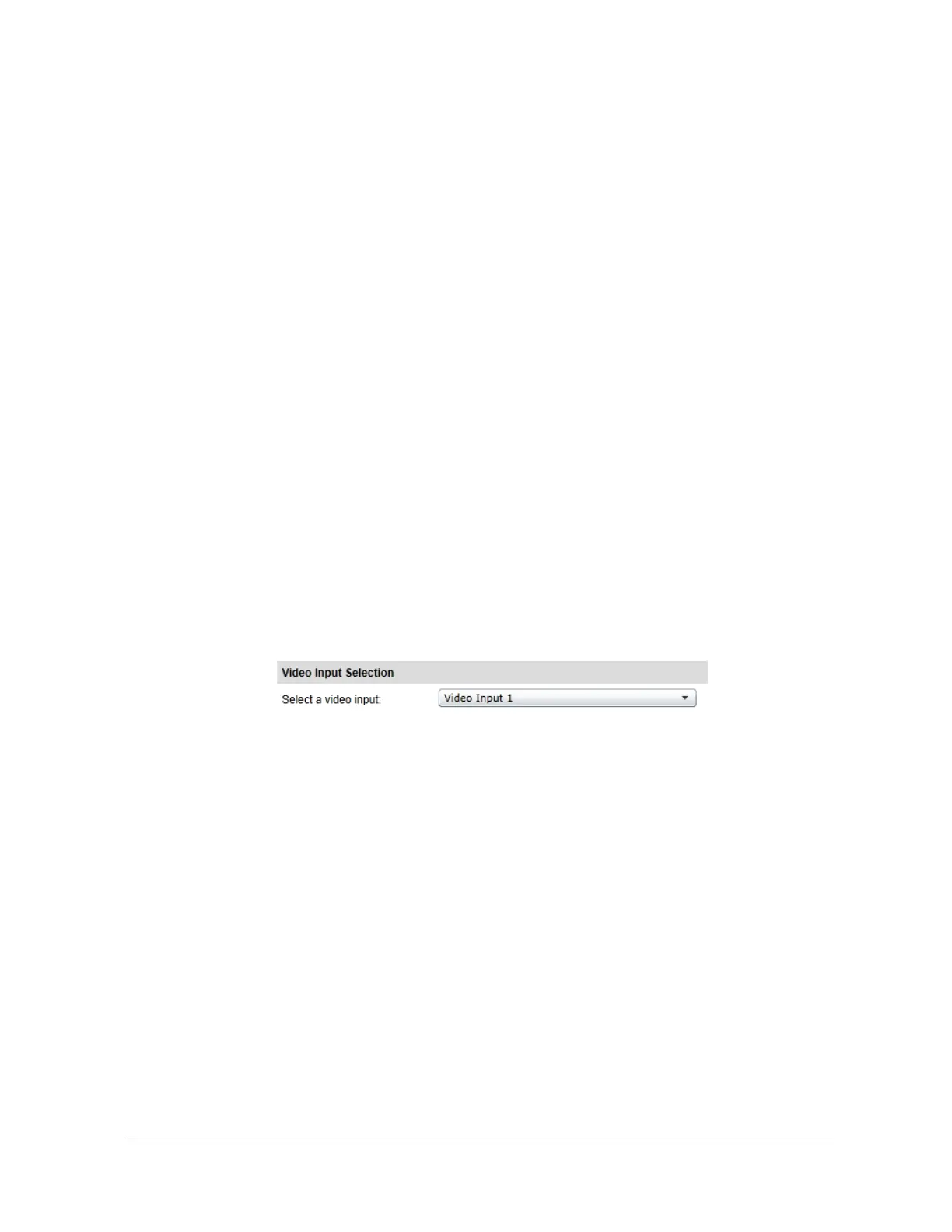
x Video Input Selection
o Select Video Input – Represents the video input that is selected
o Per-Input Configuration
o Recording Status – Current Recording status
o Input Record Mode
x Do not Record – Will not record
x Continuously – Will record continuously. See the
Continuously recording section below.
x On Alarm – Will record as soon as a specific alarm is
triggered. See the On Alarm recording section below.
o Record Video From – Select either Primary or Secondary H.264



 To Next Page