42
The Iridium Certus
®
100 service supports 2 voice lines on one SIM card. User can opt in to have
one line or both lines provisioned on their SIM card. Device is aware of how many lines have been
provisioned and reacts accordingly. The device defaults to Line 1 i.e. green button on device
defaults to calling from Line 1 if both lines are available, and automatically switches to Line 2 if
Line 1 is already in use. This default setting can be changed from “Line reference” under
Settings/Admin settings/Line reference in the device or by the companion app.
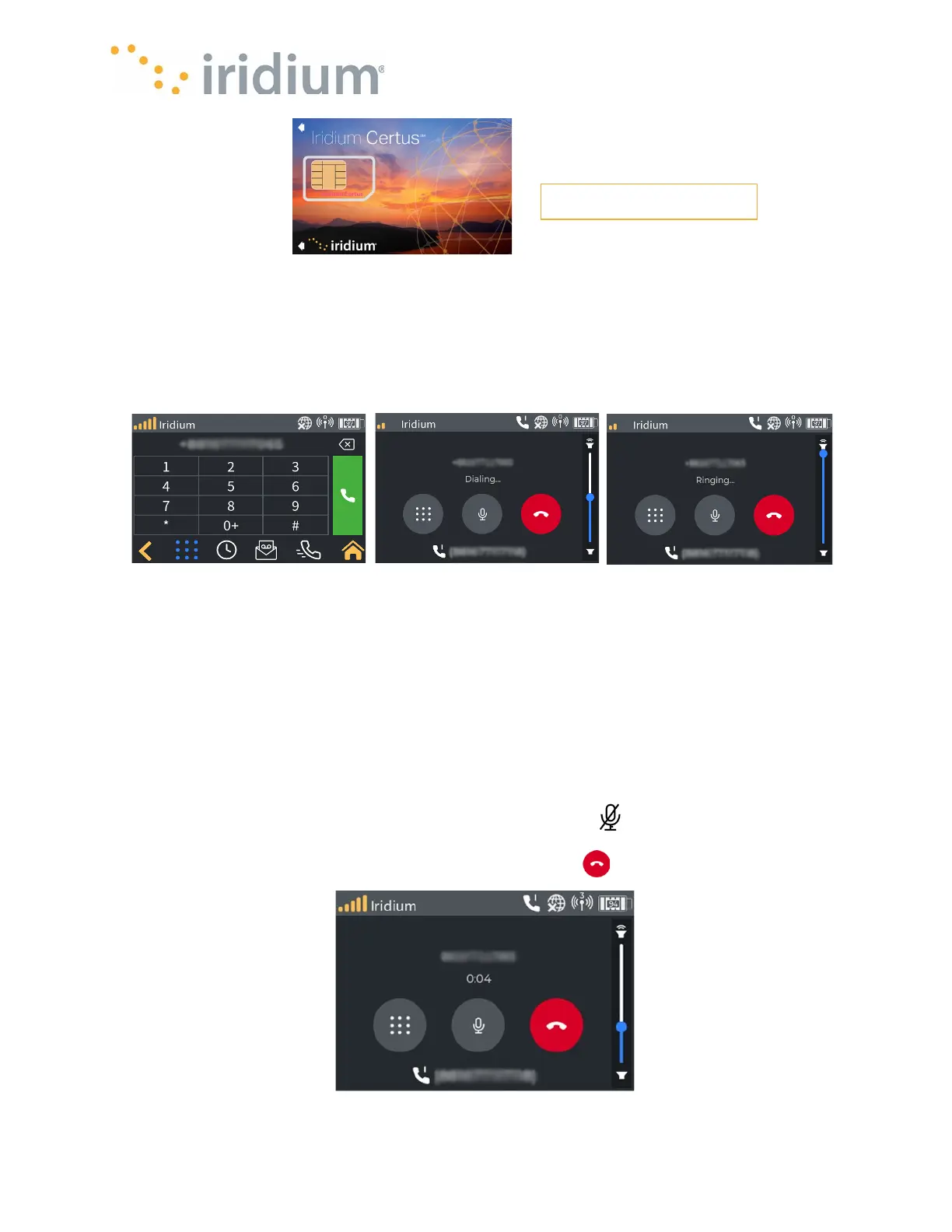
The active call screen indicates:
•
The name associated with the call (if listed in the quick dial list)
•
The current call duration
•
The line in use.
NOTE
: The line used will be determined as follows:
•
The preferred line as configured in the device
•
The available line if the preferred line is already in use.
The active call screen also allows the device user to:
•
Display a keypad by pressing the button marked keypad (to allow navigation of automated
menu systems)
•
Toggle the microphone Muting by pressing the mute button .
•
Adjust the call volume via a slider (
NOTE:
this only applies to the current call)
To hang up the call, press the button marked with a red phone
Active Call Screen



 To Next Page