44
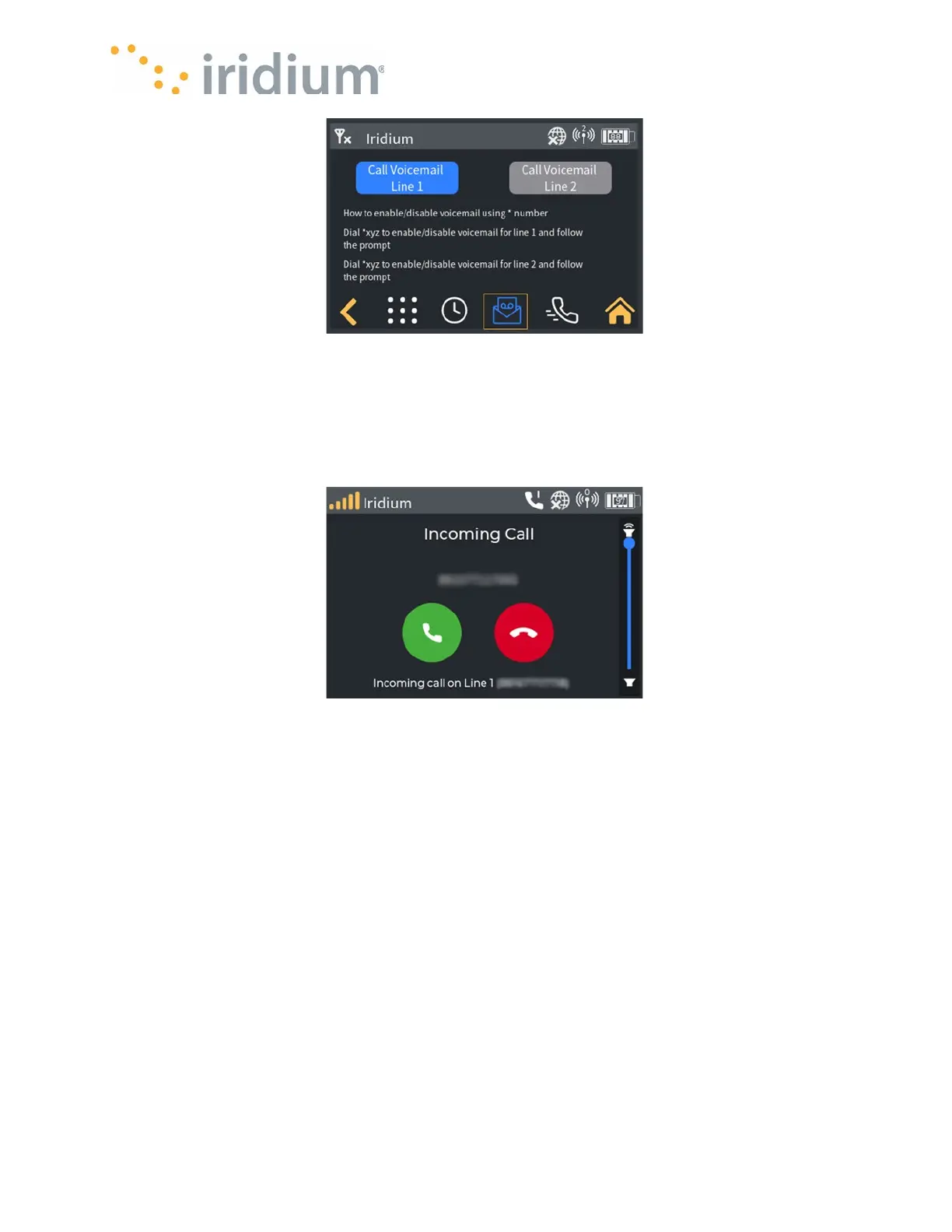
Voicemail Call Screen
Receiving Voice Calls – Accepting or Rejecting
When an incoming Voice call is received, the device will automatically navigate to the incoming call
screen and play the ringtone for the user. The user can answer the call by pressing the green
answer button or decline the call by pressing the red decline button.
Incoming Call on Line 1
Receiving voice calls while on another call
If the device user is currently in an active call when an incoming call is received on the other line,
the device will display the second incoming call without playing a ringtone.
The user can either:
•
Decline the call by pressing the decline button, in which case the device reverts to the
incoming call screen. or
•
Accept the new call by pressing the End & Accept button. This will hang up the existing call
and answer the new call. The device will display the active call screen.
NOTE
: Declining a call stops the call ringing on the device. Any connected applications will
continue to ring and may answer or decline the call independently.



 To Next Page