59
Device Information
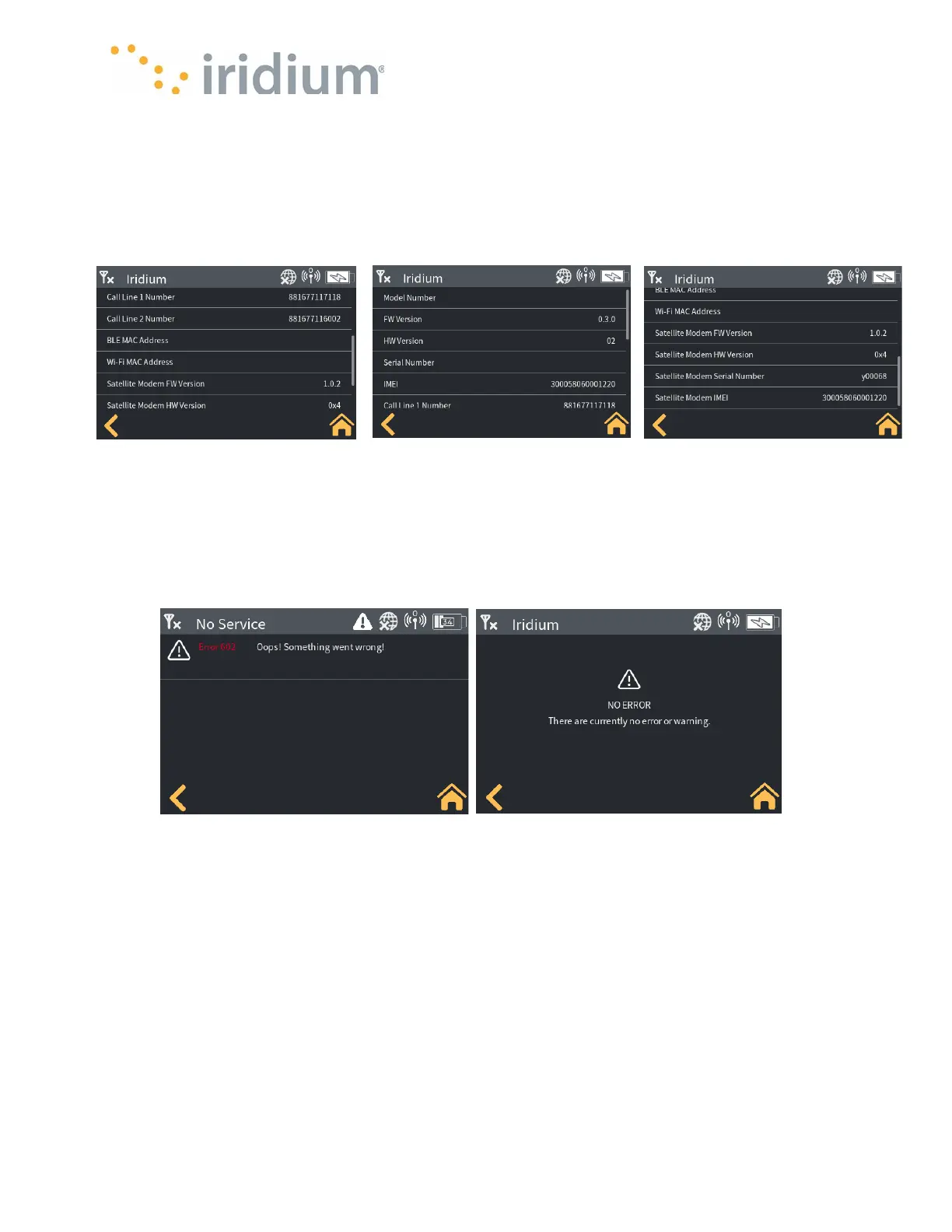
Select Settings/Device Information
The Iridium GO! exec allows the user to check the version or part number of key items in the
Device. The list includes the SIM phone numbers and the Modem IMEI number. This can also be
helpful to look up information for Customer Support activities. Refer to Device Information under
Application for details.
System Errors and Warnings
Select Settings/System Errors and Warnings
Any current system errors and warnings that are detected by the Iridium GO! exec will be captured
under this menu. Refer to Post Errors for details of error codes.
Post Errors
Select About/Post errors. The Iridium GO! exec performs a Power On Self Test during power on
events. The table in Appendix is a summary of the errors that may be detected. Any errors will
then be visible in the Post Errors menu item.



 To Next Page