55
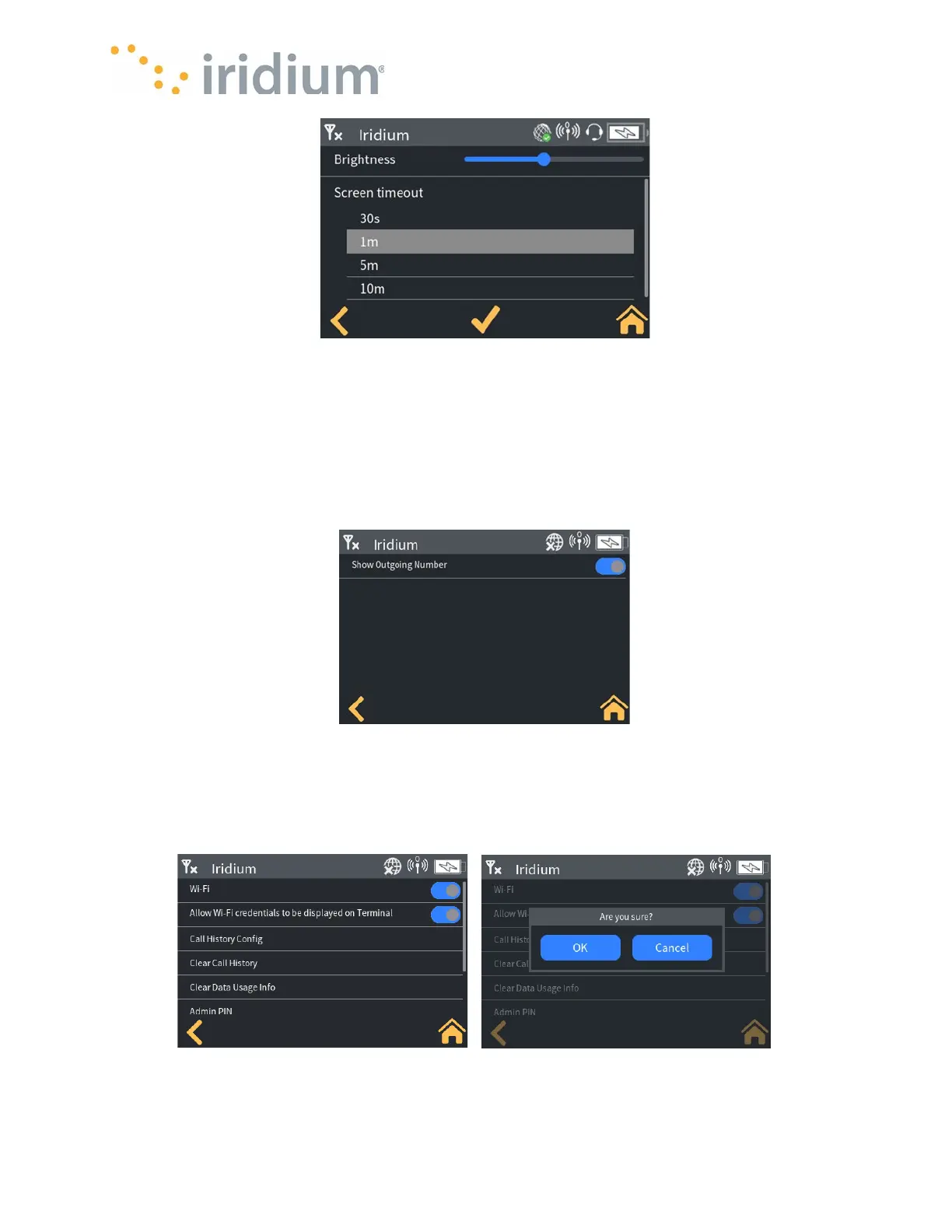
Screen Timeout
Voice Call Settings
Select Settings/Admin settings/Call History Config
The Device can be configured to show/hide the outbound number in the call history screen. This
may be desirable if the Device is being shared amongst several Application users. To display
outbound numbers, toggle the button so it shows blue (button to the right). To hide the outbound
numbers, toggle the button to show a white background (button to the left).
Call Settings
Select Settings/Admin settings/Clear Call History
The call history can be cleared from the Device. When selected, a confirmation popup will be
displayed. To clear the history, select “OK”, to leave the history select “Cancel”.



 To Next Page