56
Device Date and Time Settings
Select settings/Date and Time Settings
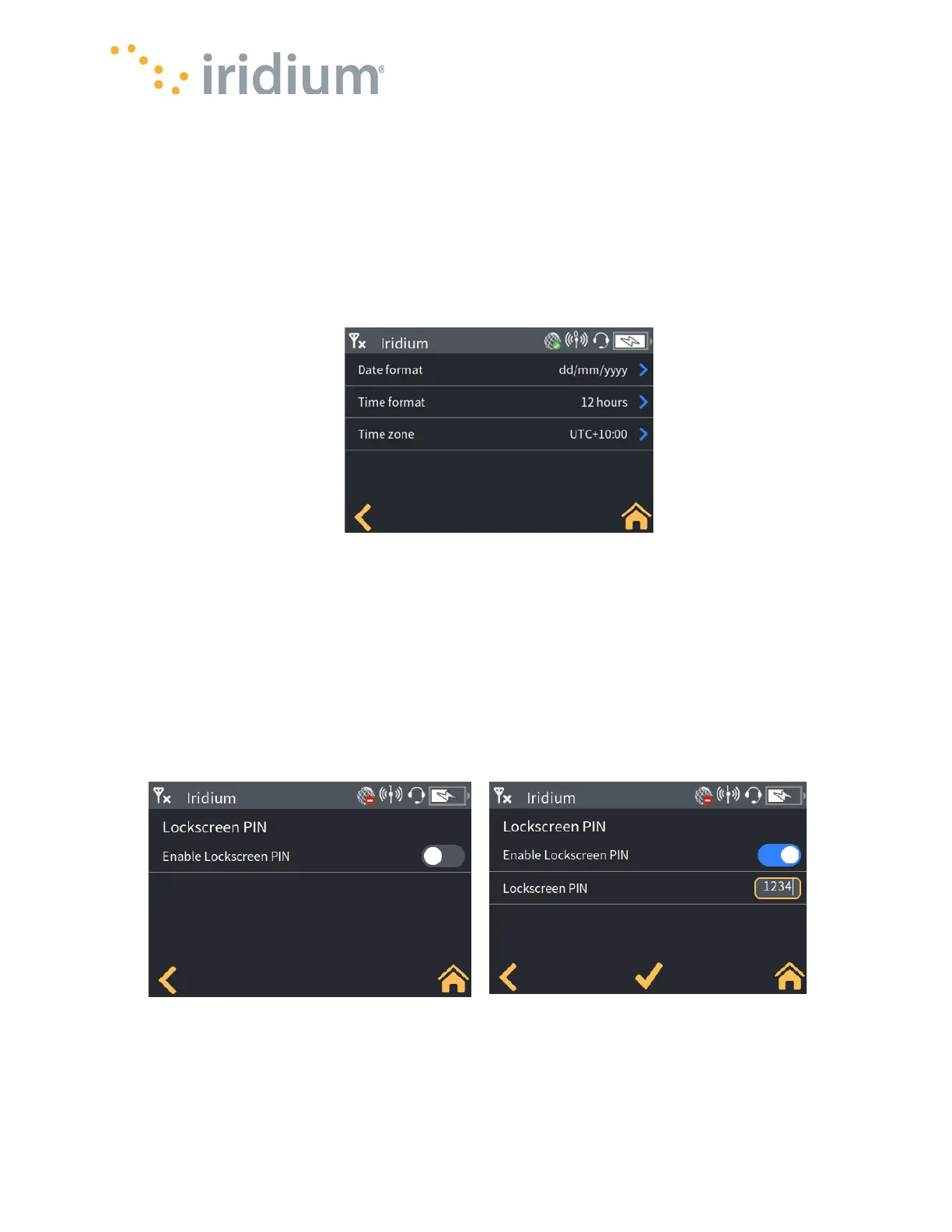
The Iridium GO! exec time and date displayed on the Device can be configured as follows:
• Date Format: either mm/dd/yyy or dd/mm/yyyy
• Time Format: 12-hour or 24-hour format
• Time Zone: selectable between UTC-12 to UTC+14
NOTE: The time and date for the unit will be set from the GPS satellite network. The user cannot
manually set the time. Power on the unit when it has a view of the sky and it will automatically
update its time (including using the selected time zone, 12/24 hour and date format).
Date and Time Menu
Device Lock Screen Settings
Select Settings/Admin settings/Lockscreen PIN Config
The Iridium GO! exec supports an optional lock screen PIN to protect against accidental
touchscreen use and unauthorized access to Iridium GO! exec features.
The lock screen may be swiped to access the home screen (default behavior) or a PIN entered.
• Device lock screen PIN: The PIN required to clear the lock screen when the lock screen has a
PIN enabled
• Device lock screen PIN enable/disable: Enable or disable the lock screen PIN.



 To Next Page