54
Call Volume
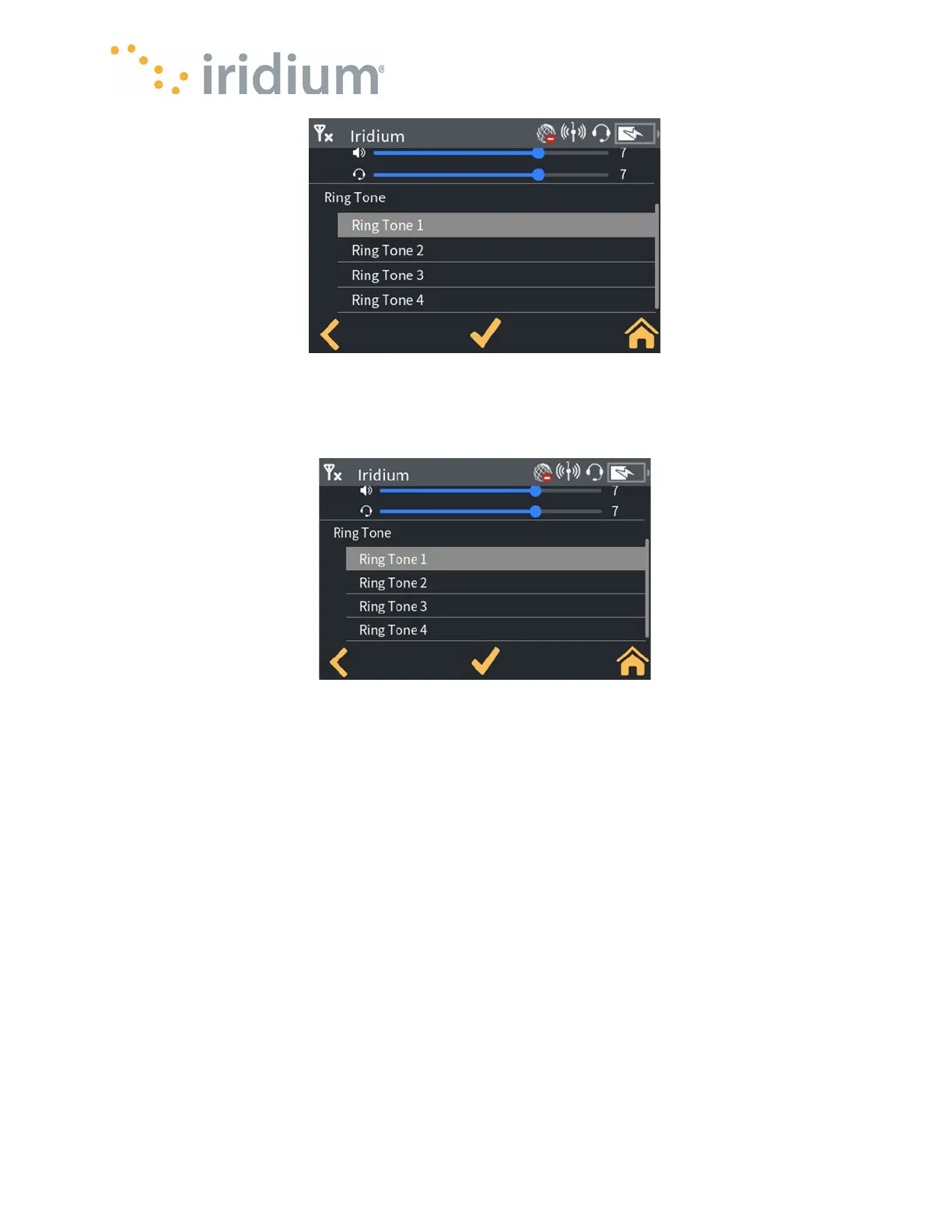
Ring Tone
The Ring tone to be played during incoming call events can be selected from a dropdown list.
Ring Tone
Select Settings/Display Settings
Adaptive Brightness
When selected, the backlight brightness automatically adapts to the ambient light level to
maximize screen visibility. When not selected, the screen brightness can be set using a slider
Screen Timeout
The screen timeout controls for how long the screen backlight remains on. The timeout can be set
to 30 s, 1 m, 5 m,10 m. When the screen times out, the backlight is turned off and the lock screen
is shown.



 To Next Page