64
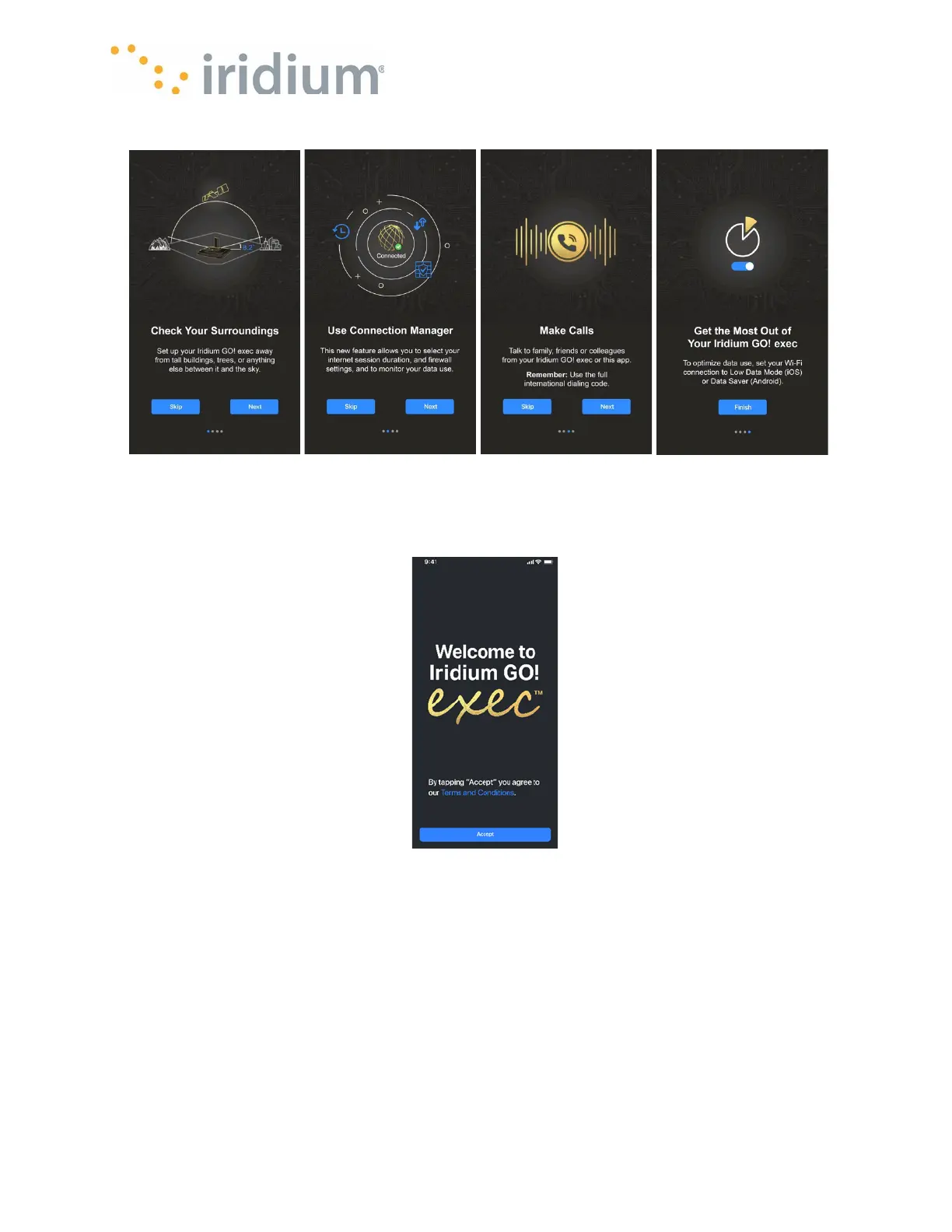
When the application is first started it will display the Splash screen below:
First Welcome Screen
When the Iridium GO! exec App is not connected to the Iridium GO! exec, the Phone, Internet and
SOS icons will be disabled. The Settings icon can still be operated with a reduced list of settings
available.
Once the Iridium GO! exec App is connected (see section App Screen Functions) then all tabs will
become operational.
Iridium GO! exec App Status Bar Detail Explanation
Once connected to the device the Iridium GO! exec App displays a status bar at all times showing
the following information.



 To Next Page