46
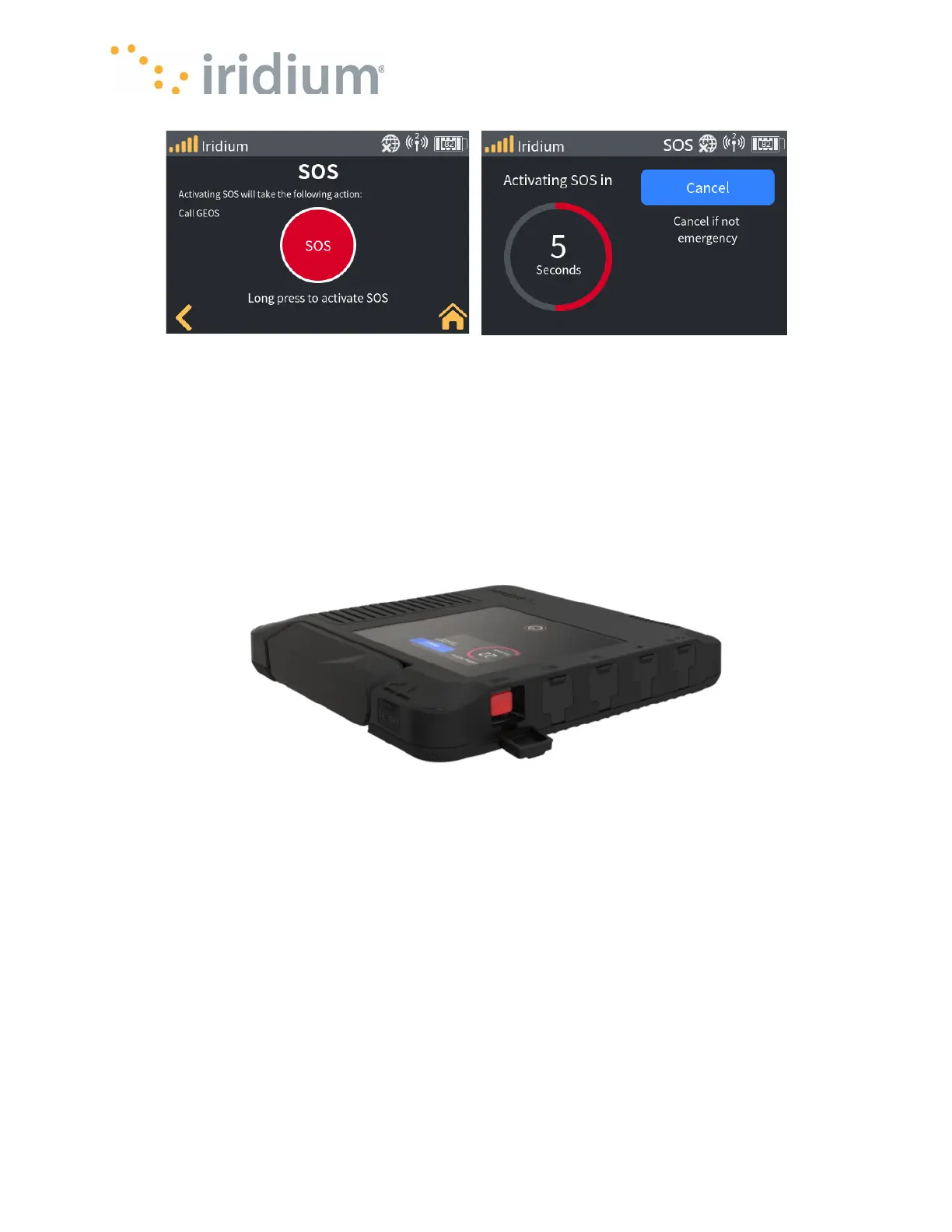
From Physical SOS button
The Device user can also start an SOS event by pressing and holding the physical SOS button for
at least one second. The Device will begin to play the pending countdown timer and show the
countdown on the screen.
NOTE: When triggering an SOS event via the physical SOS button, the Device can be on or off. If
the Iridium GO! exec is off, it will first power up and then continue to start the SOS event.
When the countdown time expires, the SOS will enter the active phase and begin dialing the
designated ESP.
SOS Active
While the Iridium GO! exec is in the active SOS event and the Iridium GO! exec has an outbound
call to the ESP, it will show the current latitude and longitude (so the Device user can relay this to
the ESP).
The Device user can only end the current call to the ESP from this screen.
NOTE: The SOS event remains active even after the call to the ESP is concluded. To close an
active SOS event, the user must explicitly select the “Cancel SOS” button.



 To Next Page