41
Voice Calls
Voice calls can be made from the Device via the keypad or the quick dial list .
Keypad
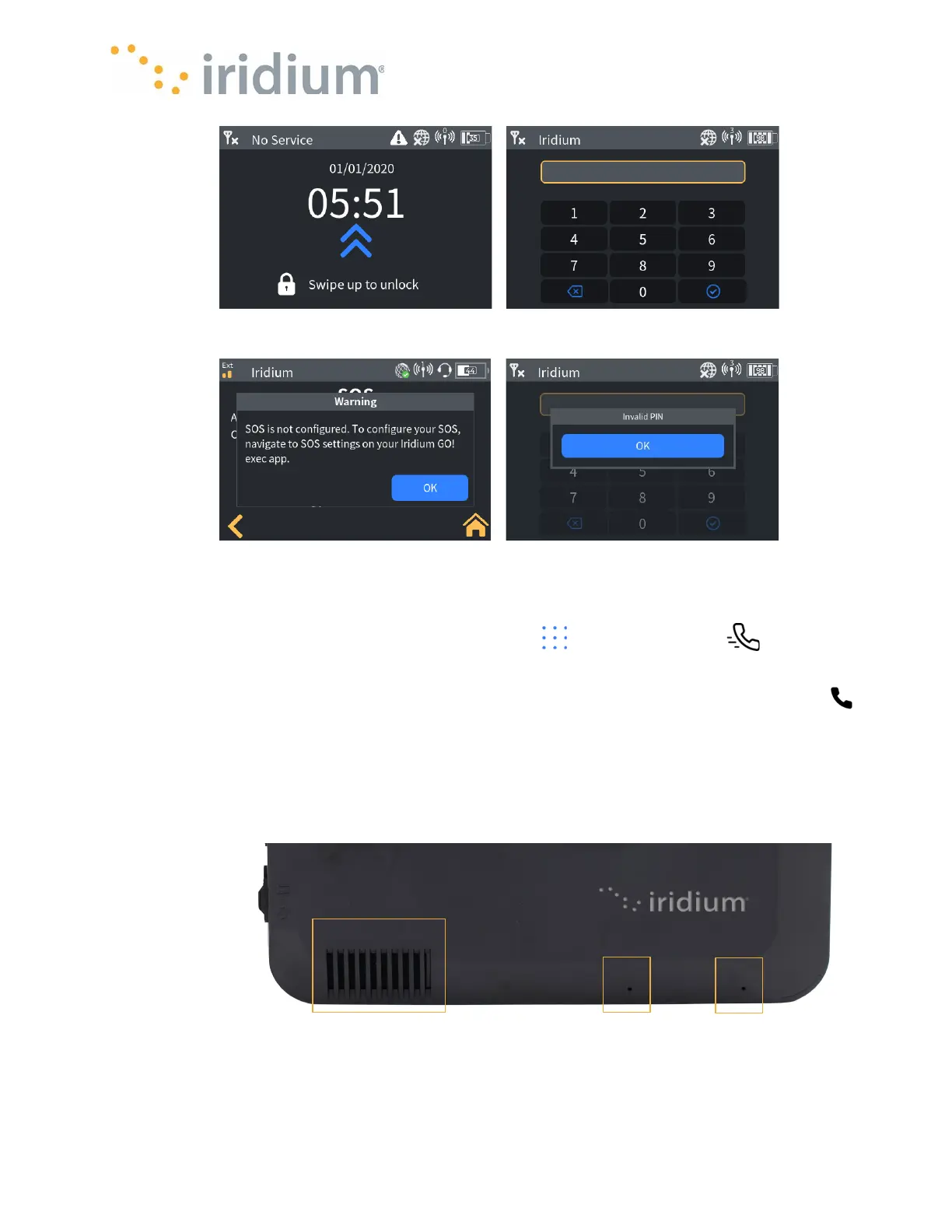
To make an outbound call from the Device, navigate to the home screen and select the phone
icon.
NOTE
: If the Device screen is locked, swipe up and enter the lock screen password to access the
home screen. Enter the required phone number including the +country code and press the green
call button. The Iridium GO! exec will start dialing the number, then ringing and once call is picked
up will display the active call screen.



 To Next Page