53
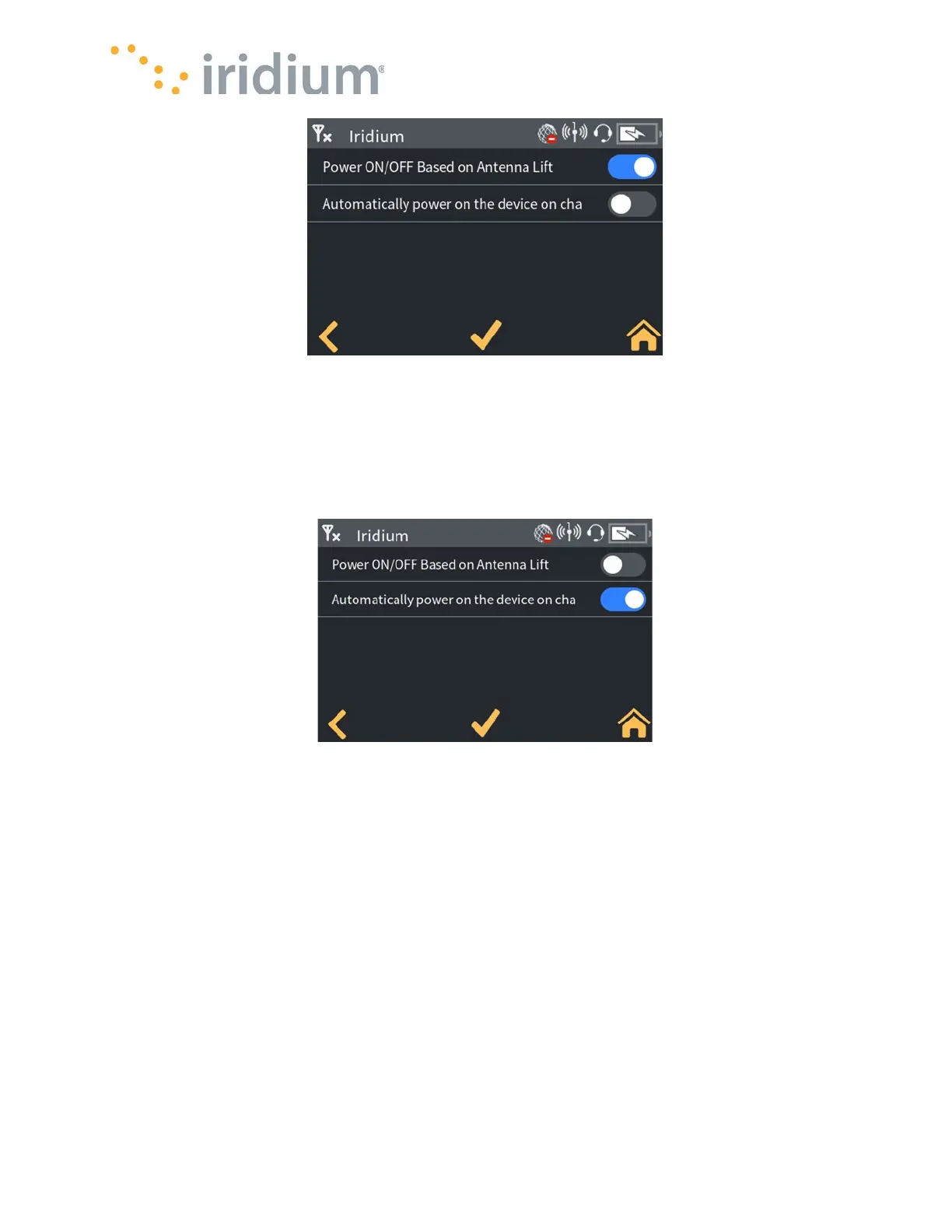
Power Settings 1
Select Settings/Device Power Config/Charger Connection
The Iridium GO! exec can be configured to power on when an external charger is connected.
When selected, the Iridium GO! exec will power up when an active charger is connected. When
not selected, the Iridium GO! exec will remain off when the active charger is connected.
NOTE: The battery will still charge if necessary.
Power Settings 2
Select Settings/Audio Settings
Ring volume
The Ring volume for both the device and a USB headset can be configured independently.
The Ring volume is selectable between 0 and 10 (0 being silent). Slide to adjust the volume
Call Volume
The Call volume for both the Device and a USB headset can be configured independently. The
Call volume is selectable between 0 and 10 (0 being silent). Slide to adjust the volume.



 To Next Page