51
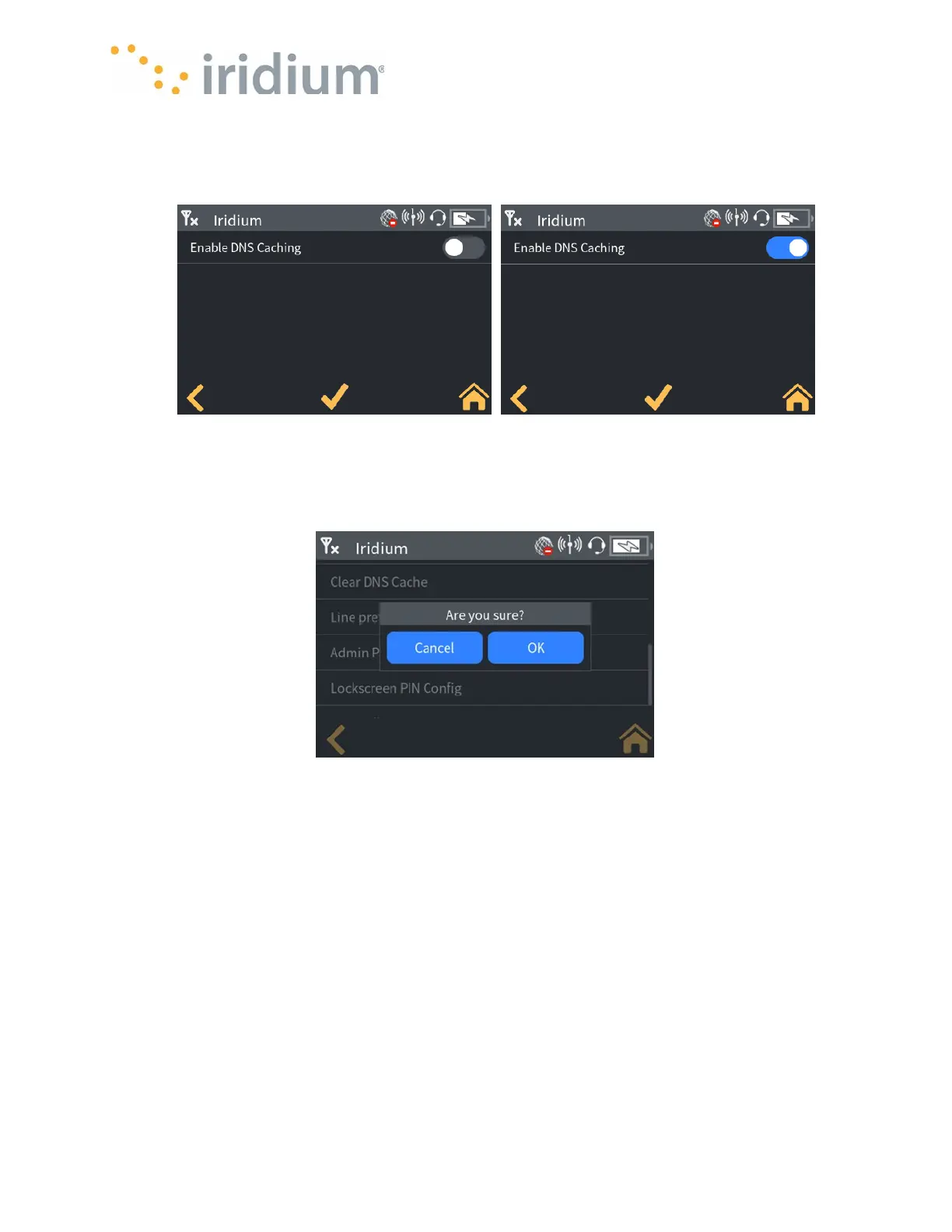
The DNS cache should only be disabled to aid troubleshooting should there be any difficulties
accessing the internet via satellite data. The DNS cache can be enabled/disabled by toggling the
enable/disable switch.
Settings/Admin settings/DNS Config/Clear DNS Cache
The DNS cache can be cleared via this menu option. This is not normally required and should only
be performed should there be any difficulties accessing the internet via satellite data.
DNS Clear
Wi-Fi Settings
Settings/Admin Settings/Wi-Fi/Enable
The device Wi-Fi can be turned off via this menu option. When the Device Wi-Fi is off, no
Applications can connect to the Device. The Device Wi-Fi can be enabled/disabled by toggling the
enable/disable switch.



 To Next Page