95
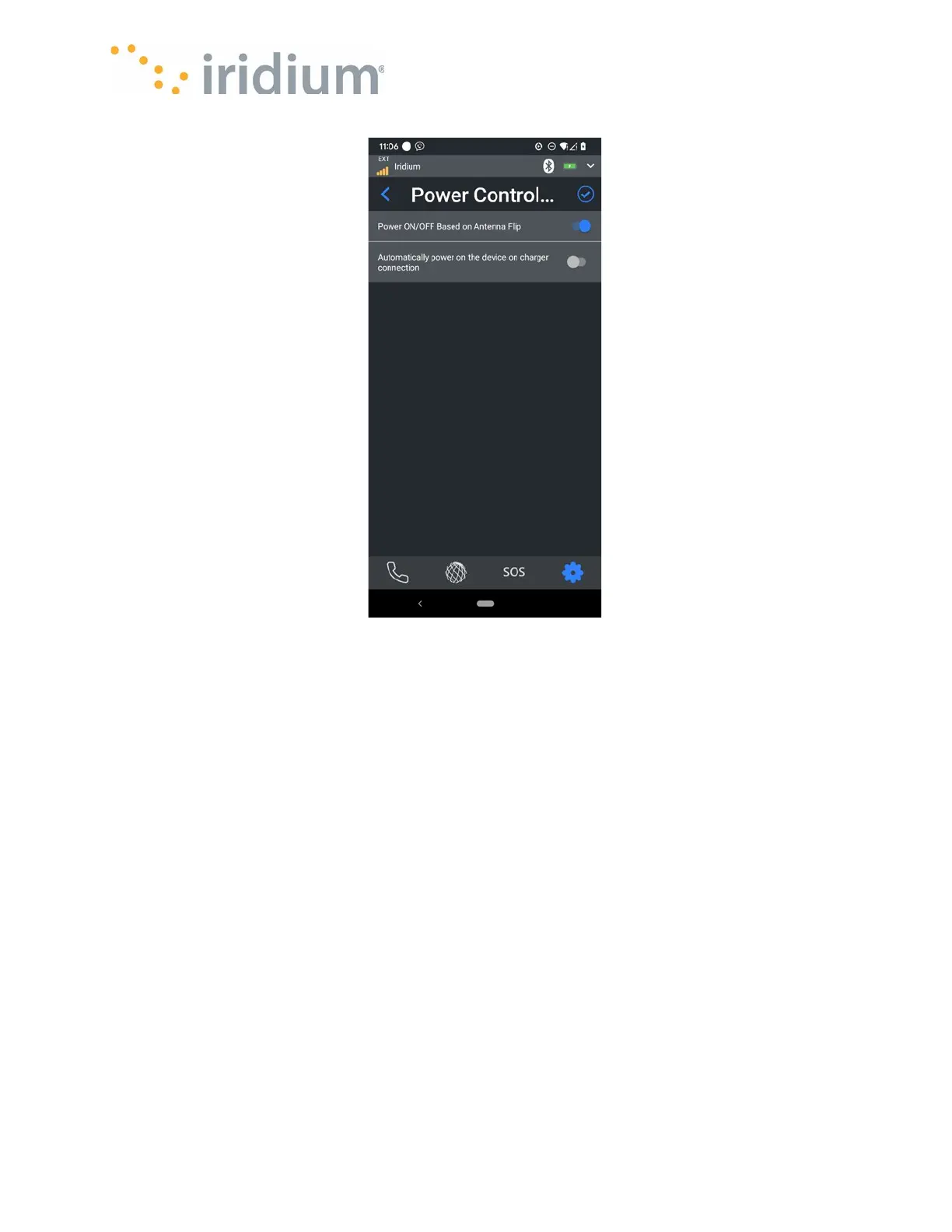
Power Control Menu
App Settings
Notification Tones – Incoming Call
The ring tone to be played by the App when there is an incoming call can be configured via this
menu.
NOTE
: The selected ring tone will play for incoming calls on either line.
Notification Tones – Alert Notification
The notification tone played by the App when the Iridium GO! exec notifies the App is configurable
via this menu.
NOTE
: Ring and Notification tones for the Iridium GO! exec device must be configurable from the
Iridium GO! exec device menu.



 To Next Page