94
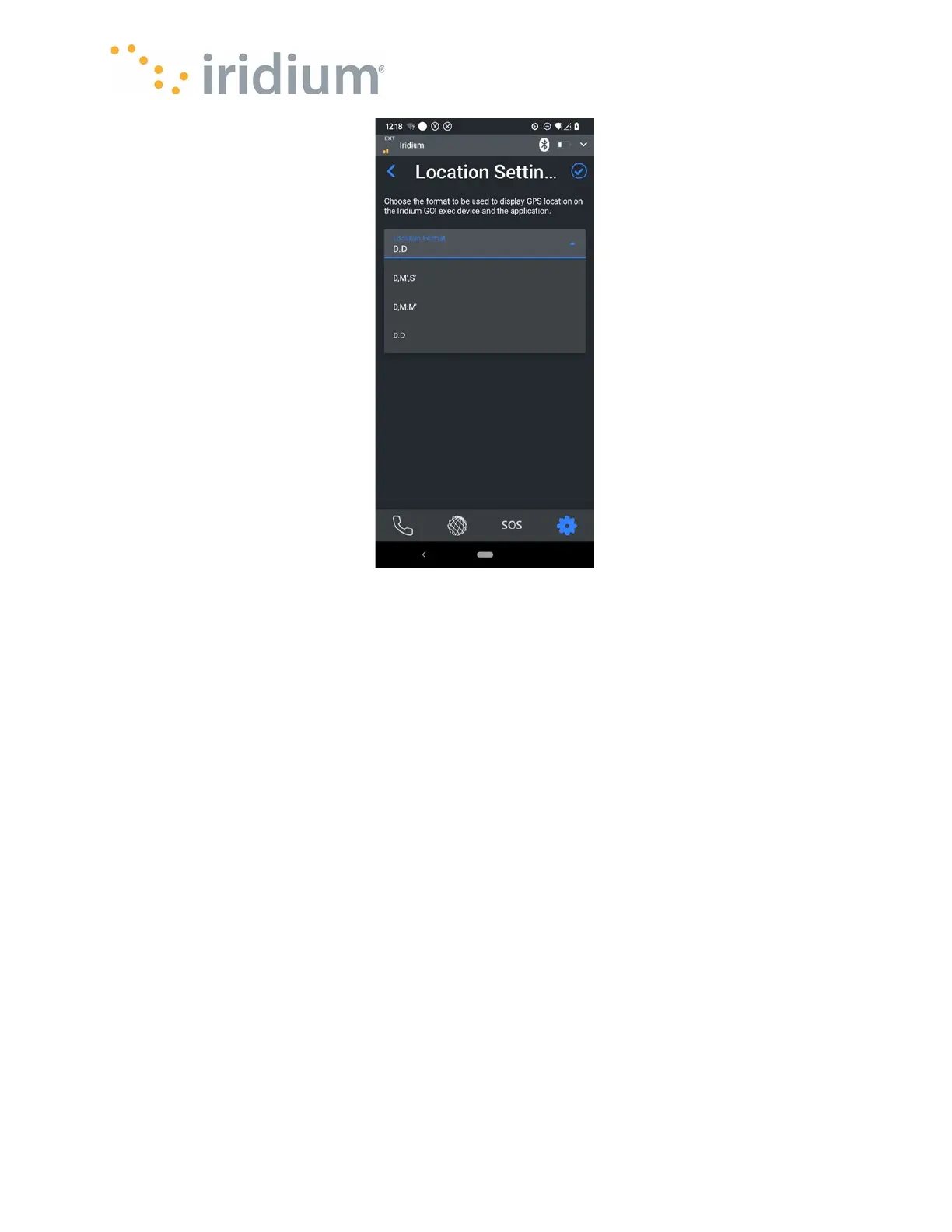
Location Settings Menu
Power Control Settings
The Iridium GO! exec Power on/off behavior can be configured via this menu.
Power control via the raising/lowering of the built-in satellite antenna can be configured.
When enabled, the internal antenna will power on the Device when lifted or turn off the Device
when lowered. When disabled, the Device power state will not change in response to antenna
movement.
The Power on/off behavior when a charger is connected can also be configured.
When enabled, the Device will turn on when a charger is connected.
When disabled, the Device will charge without turning on.



 To Next Page