110
d. Placed underneath the Iridium GO! exec it can protect the Iridium GO! exec device’s base
from being scratched when the unit needs to be operated outside on rough surfaces like the
ground, rocks or vehicles.
Troubleshooting Guide
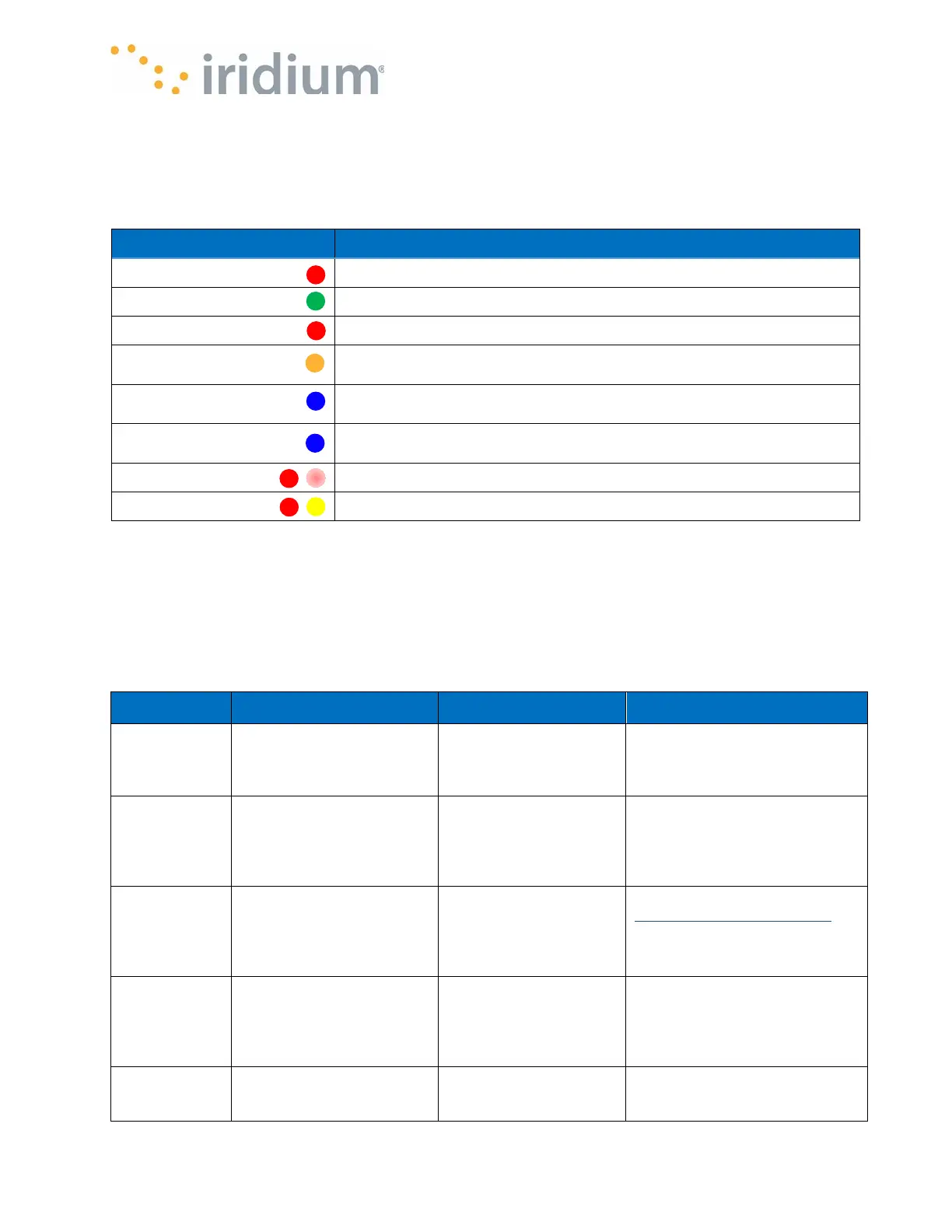
LED State Description
Red
Iridium GO! exec is powering on.
Green pulsating
Iridium GO! exec is on and is registered to the satellite network.
Red pulsating
Iridium GO! exec is on and not registered with the satellite network.
Orange pulsating
Iridium GO! exec is in an active session (data session, call active,
ringing or dialing).
Blue pulsating
Iridium GO! exec is off, but a supported charger is plugged in and
charging is in progress.
Blue
Iridium GO! exec is off, but a supported charger is plugged in and
charging is completed.
Red slow flashing
Iridium GO! exec is in an active SOS call.
Red & yellow flashing
Iridium GO! exec is in Error state.
Built-in Web/App Profile list
The Iridium GO! exec comes with a range of built-in Web/App profiles to allow you to quickly get
your internet tasks done and minimize your data usage. There are profiles for many popular
activities and applications. If you can’t find a suitable profile you can use the application to create
a custom profile and it will be saved to your Iridium GO! exec. See section Creating and Managing
Custom Web/App Profiles. Creating and Managing Custom Web/App Profiles
Profile Name Description Rule Policy Comments
All Open
No restriction on internet
access
Allow all
This is the default all open
profile, all activities will work, but
data usage maybe high as all
Browsing
Open access to webpages.
All other services blocked.
Block all traffic except
for rules added
This profile will allow only web
browsing traffic. This includes all
web pages, browsing and may
allow other HTML based
applications (like webmail)
Facebook
Allow access for
facebookbasic.com
Block all traffic except
for rules added
https://mbasic.facebook.com.
Set your PC or mobile browser
to this URL to get efficient
access to Facebook content
Gmail
Allow access Gmail email
Block all traffic except
for rules added
This will allow access to Gmail
for browser and Gmail
applications. Note that it may
also allow other Google based
WhatsApp
Allows access to
WhatsApp messaging
Block all traffic except
for rules added
This profile allows limited
access to WhatsApp messaging
using text. Emoticons and



 To Next Page