81
Device Settings
Admin Settings
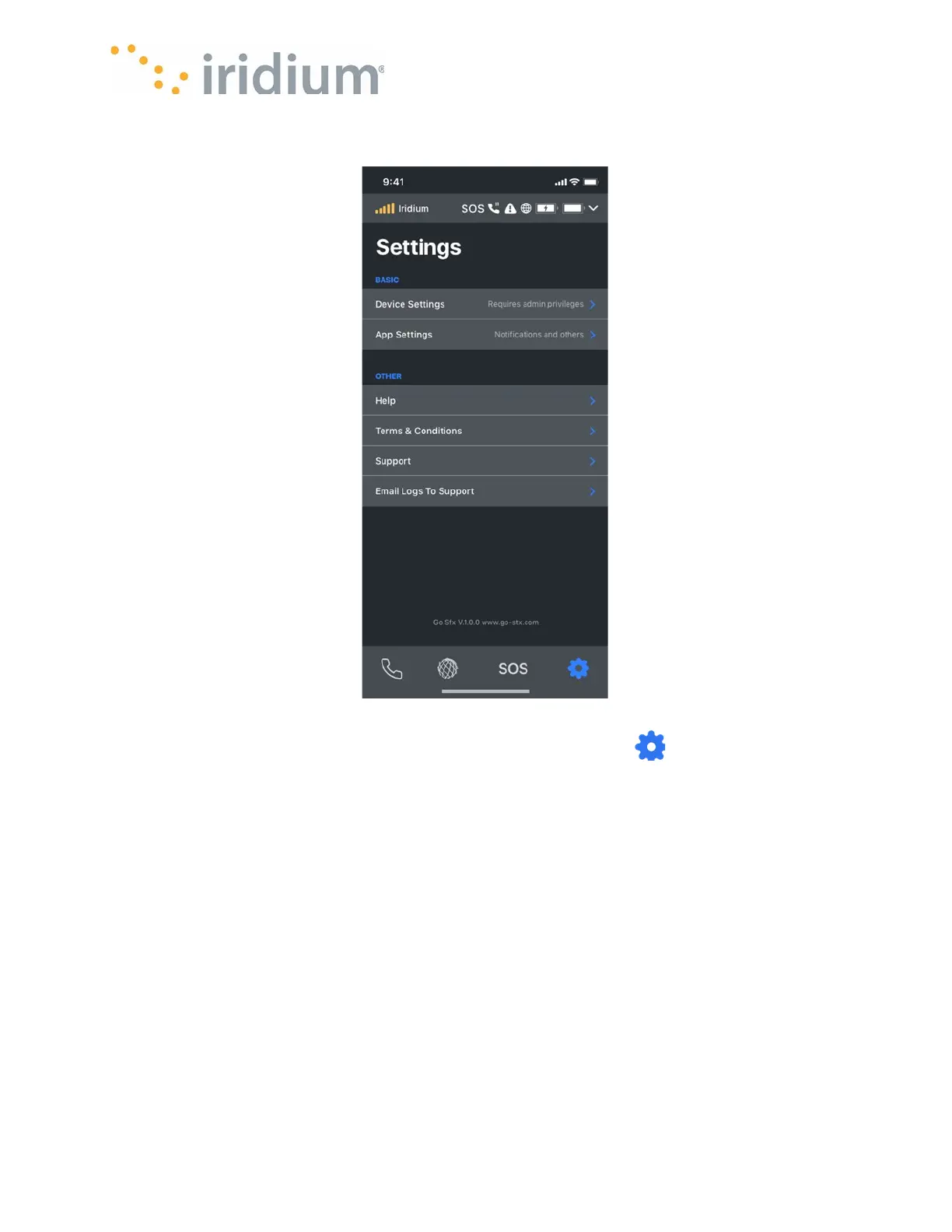
To access Settings menus, the App User should select Settings Icon on the bottom navigation
bar.
NOTE: The Admin PIN must be entered to access the Admin settings if the Admin PIN has been
enabled.
Wi-Fi Settings
The following Wi-Fi settings can be configured for the Iridium GO! exec
The Wi-Fi network name
Wi-Fi channel number (1 – 11)
The Wi-Fi security scheme (None, WPA2)
The Wi-Fi password (between 6 and 64 characters)
NOTE
: Changing any of the above settings will cause the Iridium GO! exec to reboot and the
Iridium GO! exec App to be disconnected.



 To Next Page