80
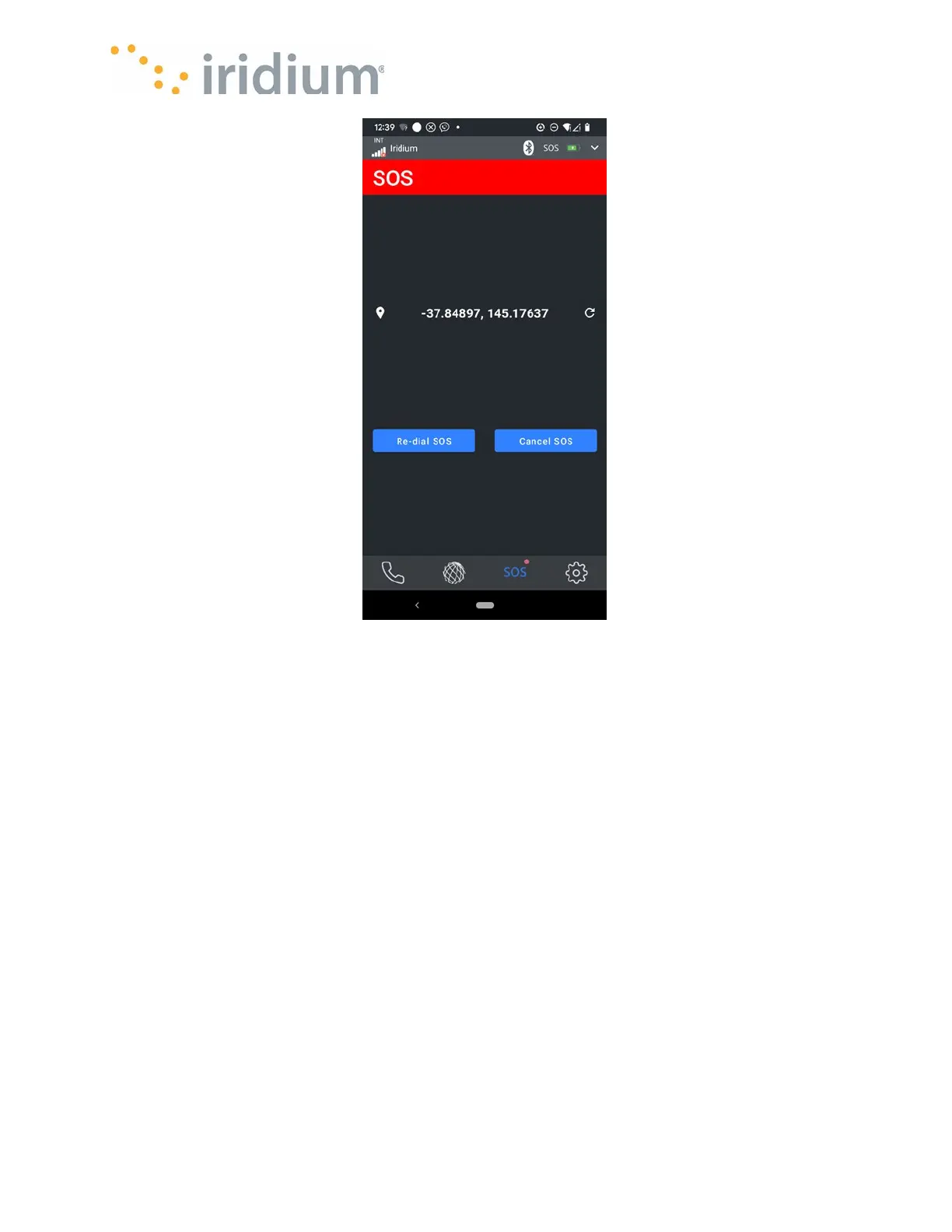
SOS Active Screen
The SOS active screen allows you to redial your ESP or cancel the SOS event.
You can also access any other feature at this time.
The SOS event will remain active as signified by the red top banner until cancelled.
Cancelling an SOS
You can navigate back to the SOS active screen at any time by selecting the SOS tab in the
bottom tab bar.
NOTE: There are two ways the Iridium GO! exec App signifies an active SOS event
• The Title bar will be displayed in RED (normally it is white text on a black background)
• The SOS tab in the bottom tab bar will have a red dot next to it.



 To Next Page