57
Power Off the Device (storage mode)
Select Settings/Power Off the Device
The Iridium GO! exec can be put in a storage mode to minimize battery drain whilst in storage. If
the Iridium GO! exec is to be stored for an extended period of time (e.g., several months) without
being charged, it is advised to enable storage mode.
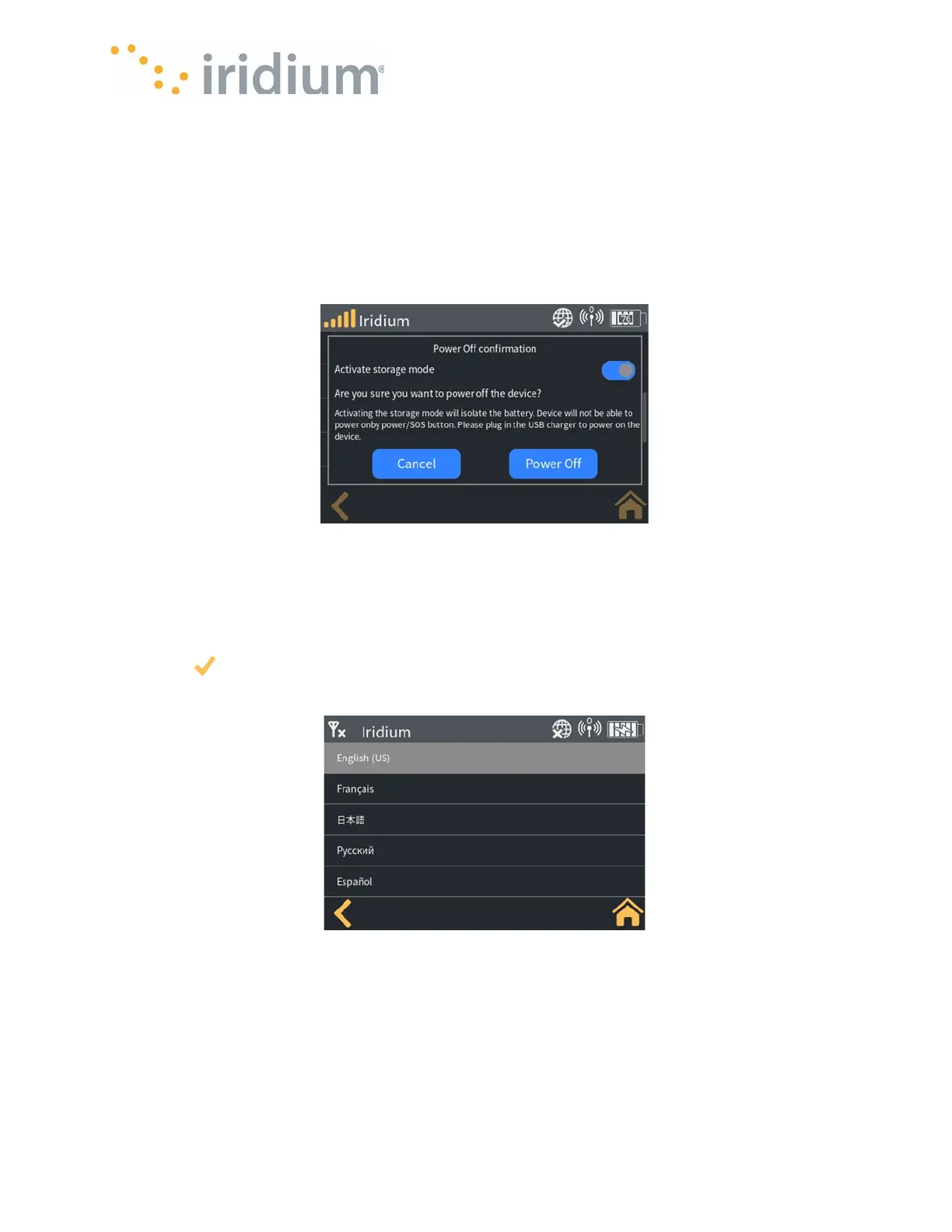
“Select activate storage mode” then press the “Power off” button.
NOTE: An active charger must be connected to the Iridium GO! exec to wake up the device from
storage mode.
Power Off Menu
Device Language Settings
Select Settings/Language Settings
The Device language can be configured from the Device Menu to one of the following: Russian,
English, Japanese, French (Canadian) and Spanish. Toggle the language from the dropdown list
and select to save the selection. Press the back button. A confirmation popup will be displayed.
Select OK to keep the selected language or Cancel to keep the current language.
Language Settings
Erase All Settings and Data
Select Settings/Admin settings/Erase All Settings and Data
The Iridium GO! exec supports performing a factory reset directly from the Device. The Iridium GO!
exec can optionally be put into storage mode at this time. (Refer to Storage Mode for details).



 To Next Page