82
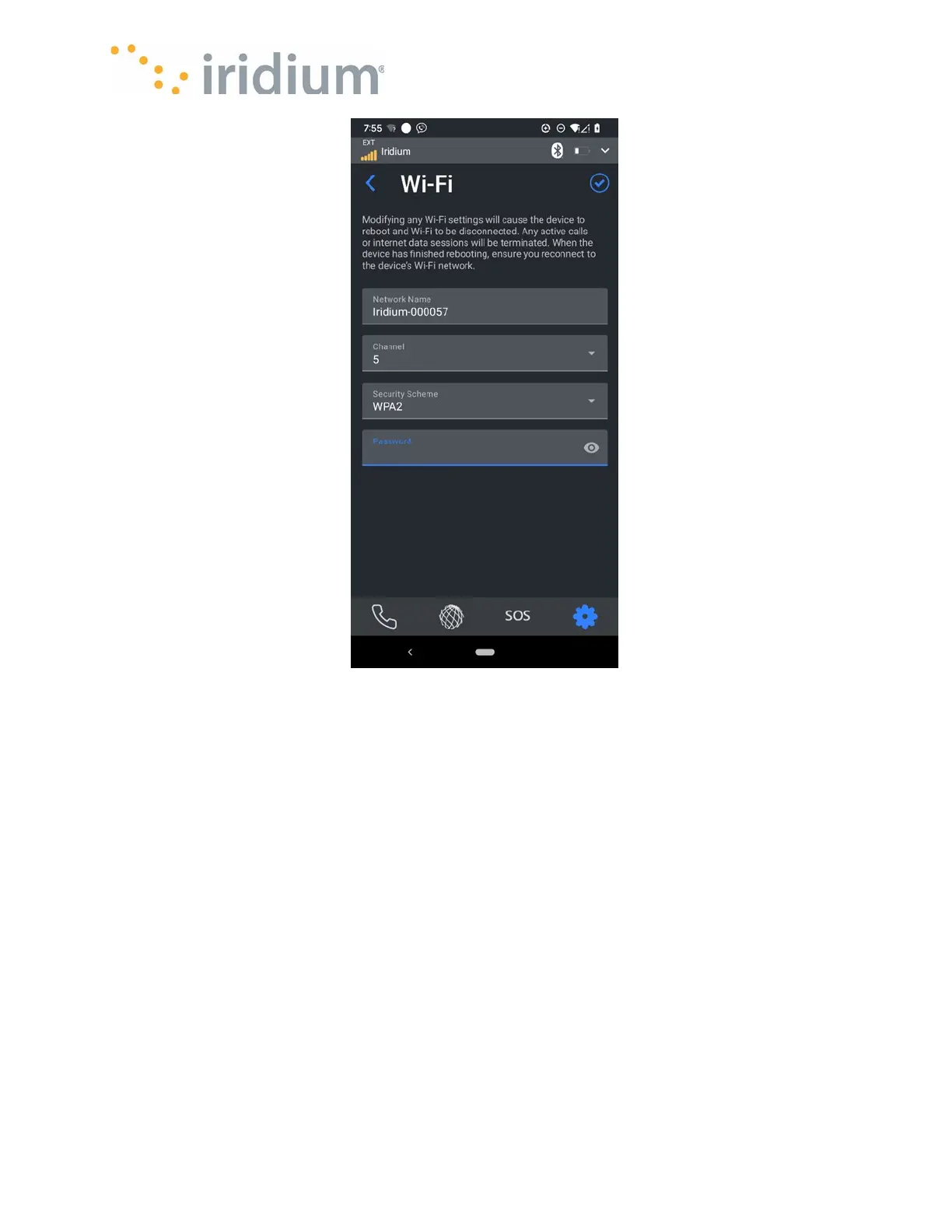
Wi-Fi Settings Menu
Wi-Fi QR Code Settings
This menu allows enabling or disabling permission for the device to display the Wi-Fi credentials
as a QR code. If enabled the Wi-Fi SSID name and password can be easily viewed on the Iridium
GO! exec LCD screen.
Billing and Data Monitoring
Aggregated usage data (across all users) for the Iridium GO! exec is shown for upload/download
data and time since the data counter was last reset.
The App User can also reset the data counter via this menu.



 To Next Page