70
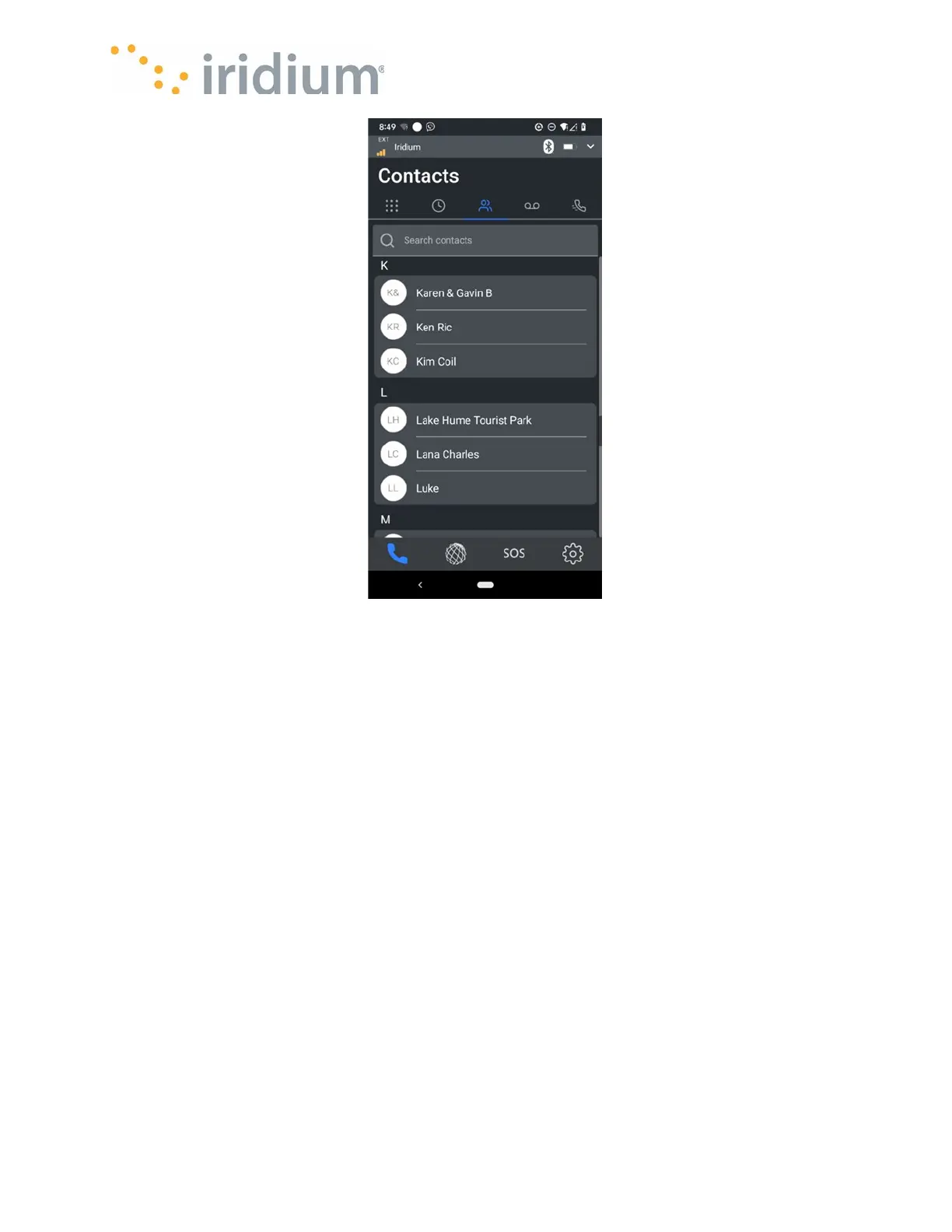
The Contact screen shows the Users
contacts in alphabetical order based on
the name or company name.
The App user can search entries by name and phone number.
The App User can dial a contact directly from the Contacts screen by selecting an entry. The
Iridium GO! exec App will present a popup screen from which the App user can dial from either
Line 1 or Line 2.



 To Next Page