78
NOTE: If an SOS is already active, the Iridium GO! exec App will not allow another to be started.
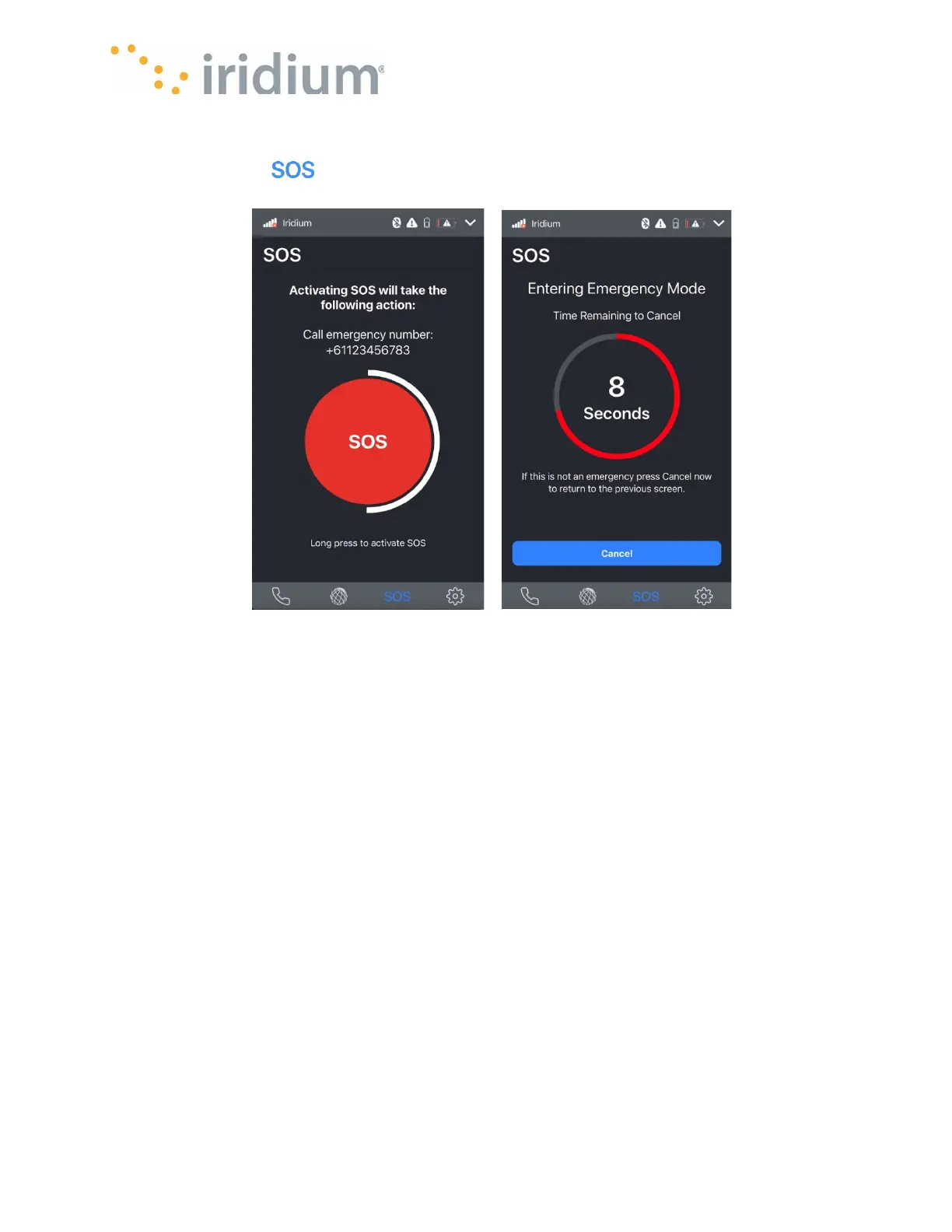
Select the SOS tab ( ) from the bottom tab bar.
Press and hold the SOS button until the countdown ring expires.
The Iridium GO! exec will then show a pending screen with a timer.
If you wish to abort the SOS event without making contact with your designated Emergency
Service Provider (ESP) you can press cancel prior to the pending timer expiring.
Once the pending timer expires, the Iridium GO! exec will display the outgoing call screen
indicating:
• The contact details of the ESP you have configured
• Your current location



 To Next Page