Chapter 9 TOTAL MODE
9.4 TRACEABILITY TOTAL
1.
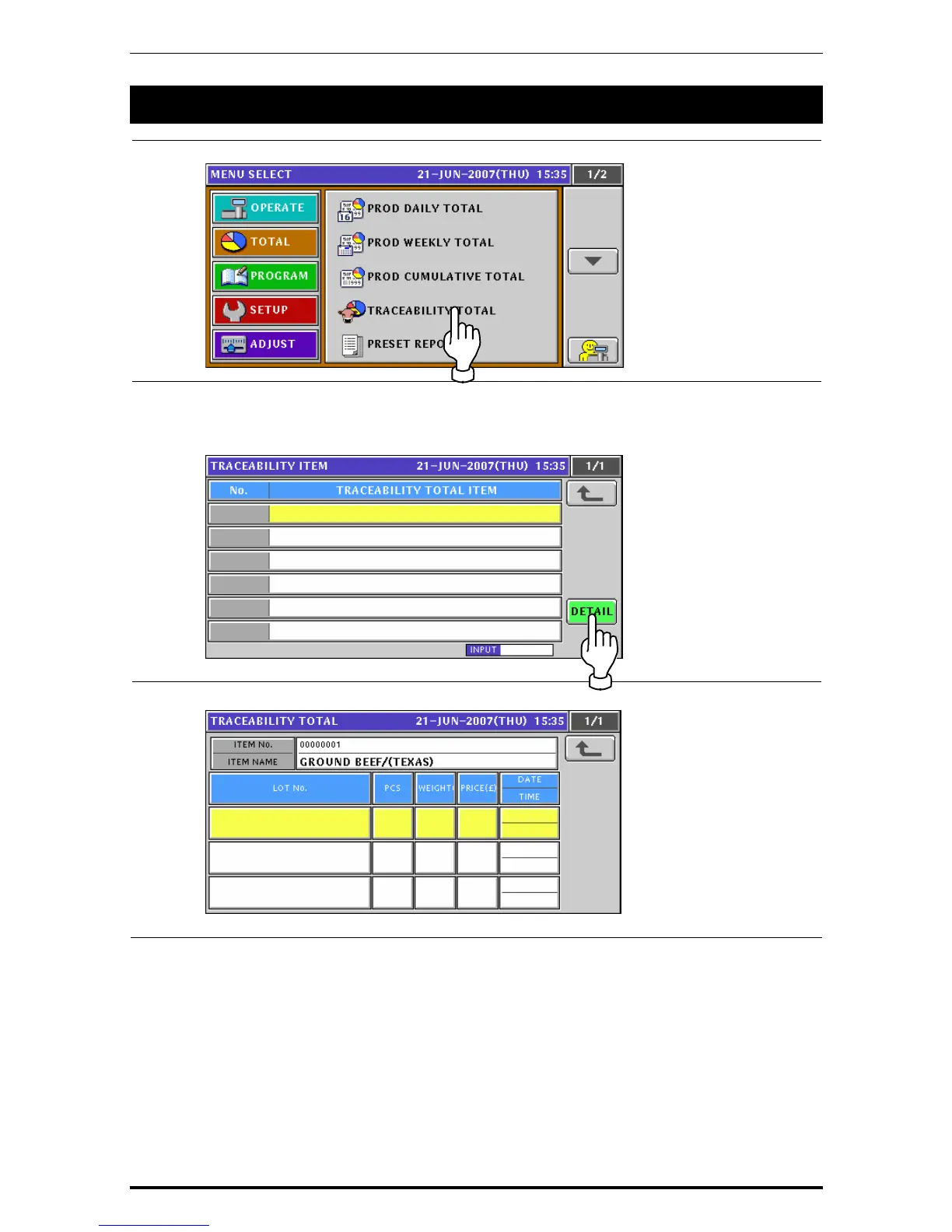
Press the “TRACEABILITY TOTAL” filed.
2.
The Traceability Item screen appears.
To change the pages, press the [
b] or [
a
] button on the screen.
To obtain Traceability Total screen, press the [DETAIL] button on the screen.
3.
The Traceability Total screen appears.
9-8 Uni-7 User’s Manual



 To Next Page