Chapter 10 PROGRAM MODE
10
PROGRAM MODE
10.1 PROGRAM MODE ENTRY
1.
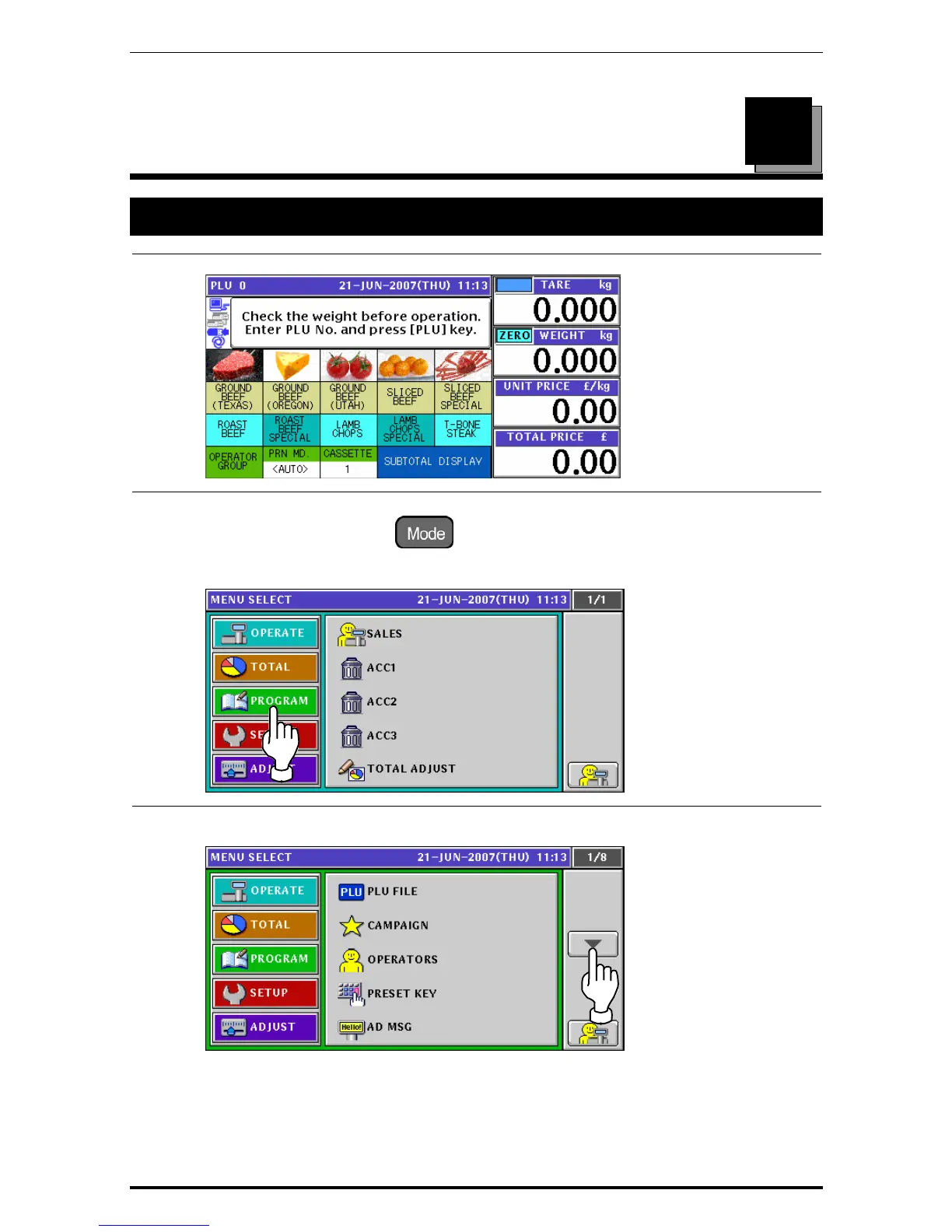
Ensure that the initial screen is displayed.
2.
Press the [MODE] key on the key sheet.
The Operation Menu Select screen appears.
Then, press the [PROGRAM] button on the screen.
3.
The Program Menu Select screen appears.
To change the pages, press the [
b] or [
a
] button on the screen.
Uni-7 User’s Manual 10-1


 To Next Page
 Loading...








