Chapter 5 TEMPORARY CHANGE OPERATIONS
5.7 PRODUCT QUANTITY CHANGE
1.
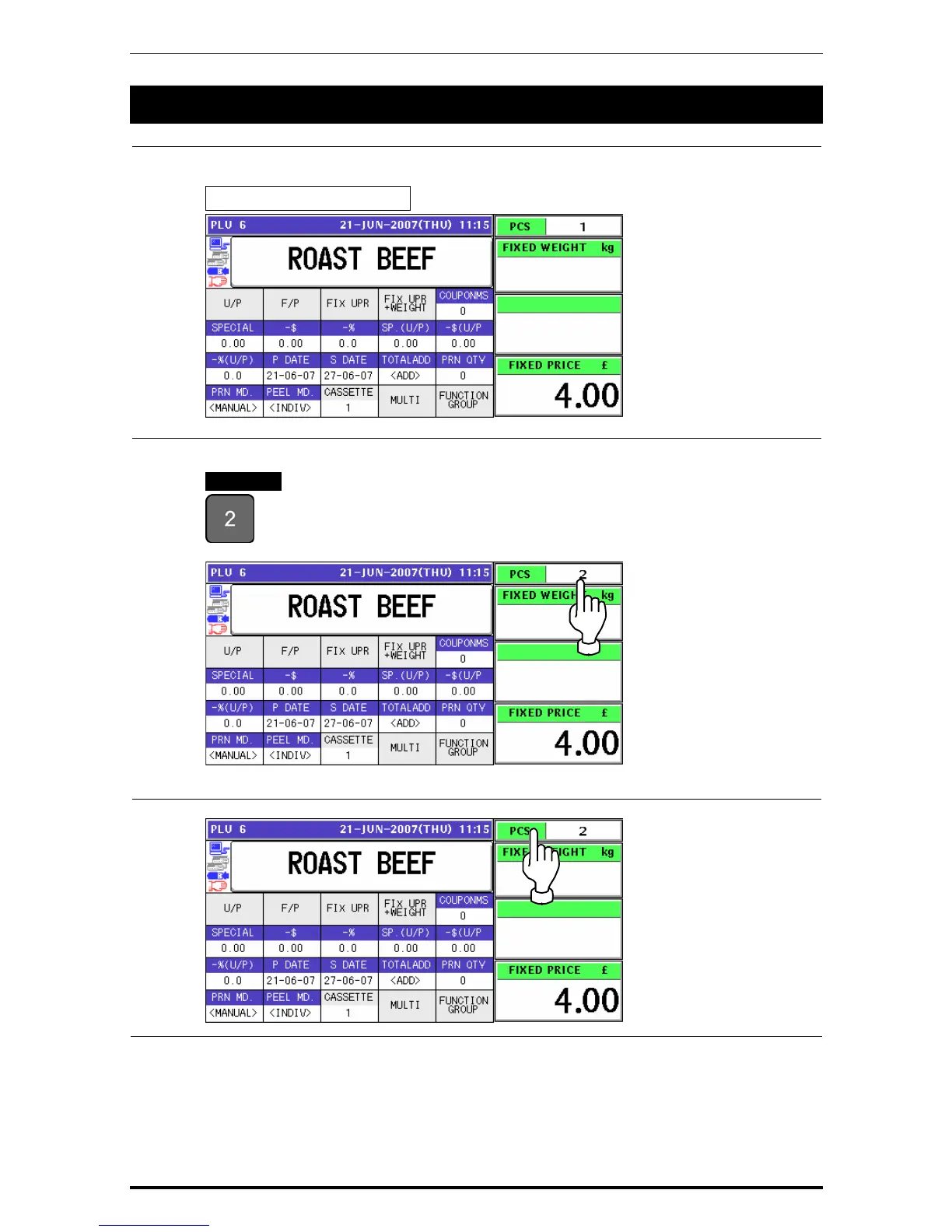
Ensure that the selected PLU screen is displayed.
Fixed Price Products
2.
Enter a desired quantity using the numeric keys, and press the “PCS” field.
EXAMPLE Quantity “2 pieces”
.
3.
To select a desired fix price mark, press the “PCS” field again.
Uni-7 User’s Manual 5-13


 To Next Page
 Loading...








