Appendix TEXT EDITING
A.2 NORMAL CHARACTER EDITING
1.
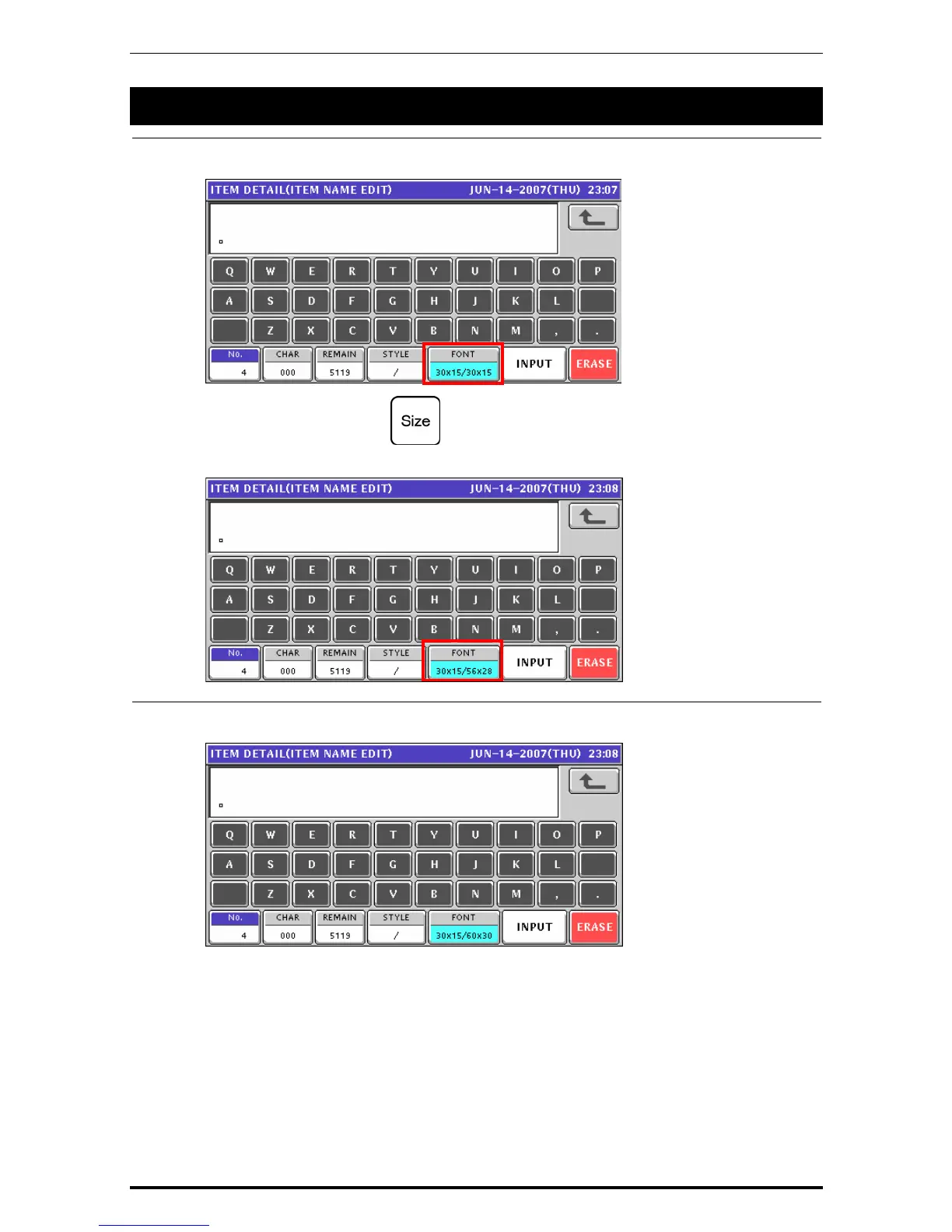
Confirm that the text edit screen is displayed.
Select a desired character size by using the [Size] key on the key sheet.
The selected size is displayed in the “FONT” display field.
2.
Press the [Lower Case] key on the key sheet to select whether to use upper-case
characters or lower-case characters.
Uni-7 User’s Manual A-3


 To Next Page
 Loading...








