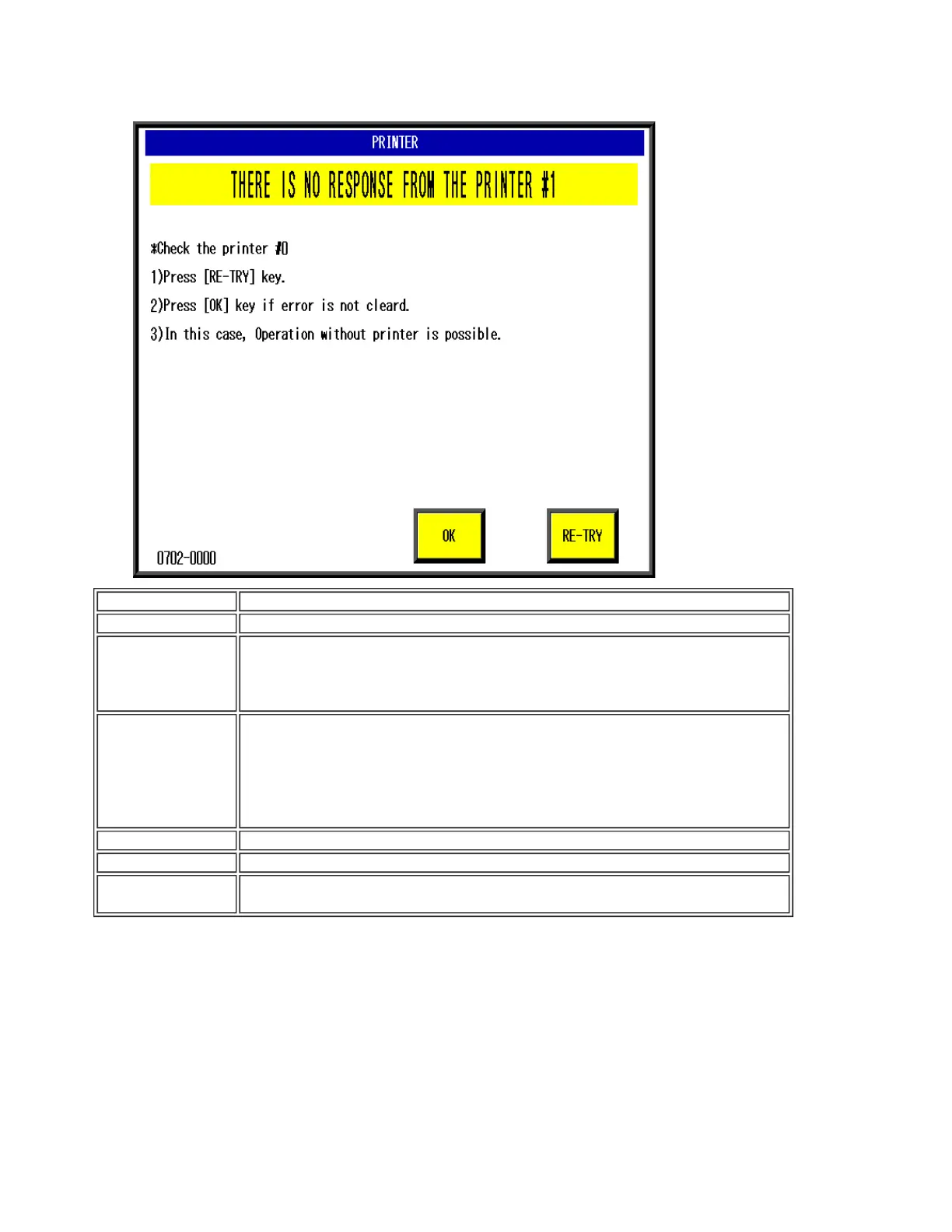
[Error content] Cannot communicate with printer #1.
[Detail]
[Solution]
[OK]
-> Clear the error
[RETRY]
-> Re-check communication with the printer.
[Remarks]
・Operation without the printer is possible after pressing the [OK]
button.
・Check the connection of printers #1 and #2 with P910 and P909.
・Check the printer #3 and #4 communication cable.
・The printer number in the error heading changes according to the
error.
[Cause] Check each communication harness
[Response]
1. Check the harness after referring to the wiring diagram.
2. Replace boards P-909, P-918, and P-910.
0702
Ishida WM-4000 Error Codes and Solutions (600-2099)


 To Next Page
 Loading...

