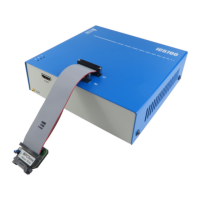
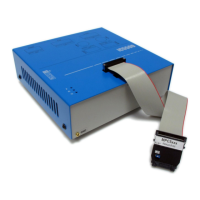
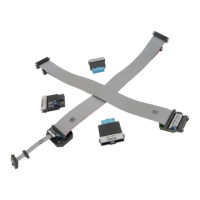
This debug adapter is used to connect the iC5000 and the iC5700 BlueBox to Infineon TriCore
and XC2000/XC166 based target featuring a 10-pin 1.27mm pitch target debug connector with
Infineon DAP pinout.
The debug adapter connects to the BlueBox through the two ribbon cables and to the target
debug connector on the other side. Refer to the BlueBox User Manual for more details on
connecting the debug adapter.
Jumper J1
With the jumper J1 in the position 1-2 (default), normal debug operation is configured. The
debugger drives the MCU reset line low during the initial debug connection and then takes
control over the microcontroller.
With the jumper J1 in the position 2-3, the Hot Attach operation is configured. In this case, all
debug signals from the BlueBox are disconnected and the target starts running as soon as the
power is applied to the target. When the Hot Attach command is issued from winIDEA
TM
, the
debugger connects to the MCU and control over the MCU is taken without resetting the MCU.
Refer to the TriCore technical notes document for more details on the Hot Attach configuration
and use.
The following pinout is valid on the target side:
When connecting the BlueBox to the new embedded target for the first time, double
check that the debug adapter pinout matches with the target debug connector. Note
that a mismatch can result in a hardware failure.


 To Next Page