Function and Features
Copyright © ITECH Electronic Co., Ltd. 50
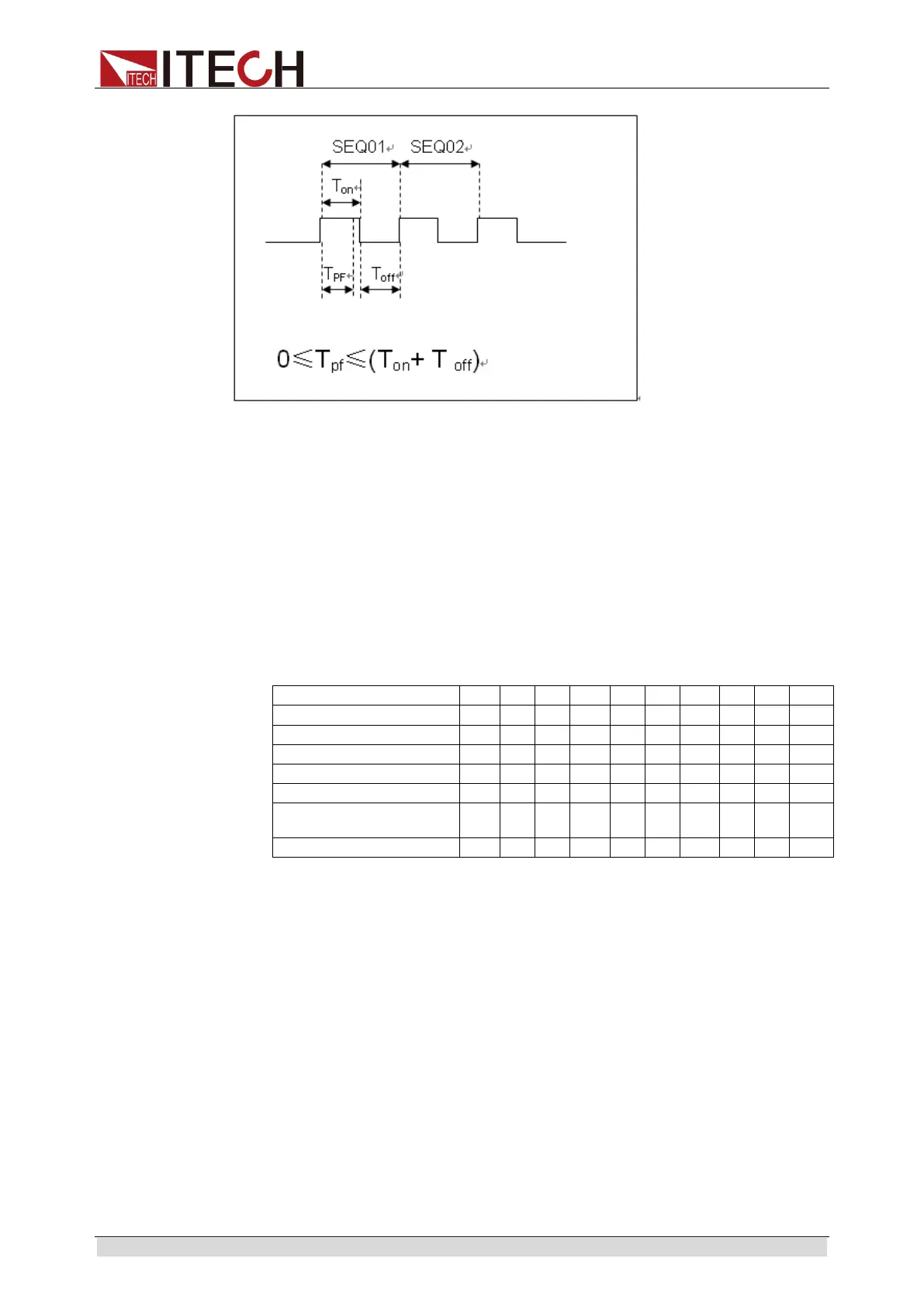
Tpf is delay time before measurement.
12. Set conditions for stop test. COMPLETE means to stop after all tests are
completed and FAILURE means to stop in case of test error. Press [Enter]
key.
PROGRAM
Complete-Stop Failure-Stop
13. Determine whether to link to next group of test file. If it is to link to second
group, press 2 key. 0 means not to link to other test files. Press [Enter] key.
PROGRAM
Chain Program File=0 (0-10)
Correspondence Table of Auto test files and step parameter saving.
14. Save the programmed files in EEPROM. A total of 10 groups of files can be
saved. If it is to save edited files in group 1, press 1 key. Press [Enter] key.
PROGRAM
Save Program File=1 (1-10)
15. Press [ESC] key to exit editing menu.
The above steps only set entire framework of auto tests. Additional
setting is required for specific parameters in each step. This design will
facilitate modification of parameters in a single step.
16. Select desired working mode and set working parameters. Press [Shift] +
[CV] (Setup) to enter parameter setting.
10.0000V 0.0000A
0.00W CC=1.000A
17. It is assumed that step 1 edits CC mode as follows: current: 2A, maximum
voltage value: 10V, and minimum voltage value: 2V; and step 2 edits CV



 To Next Page