27
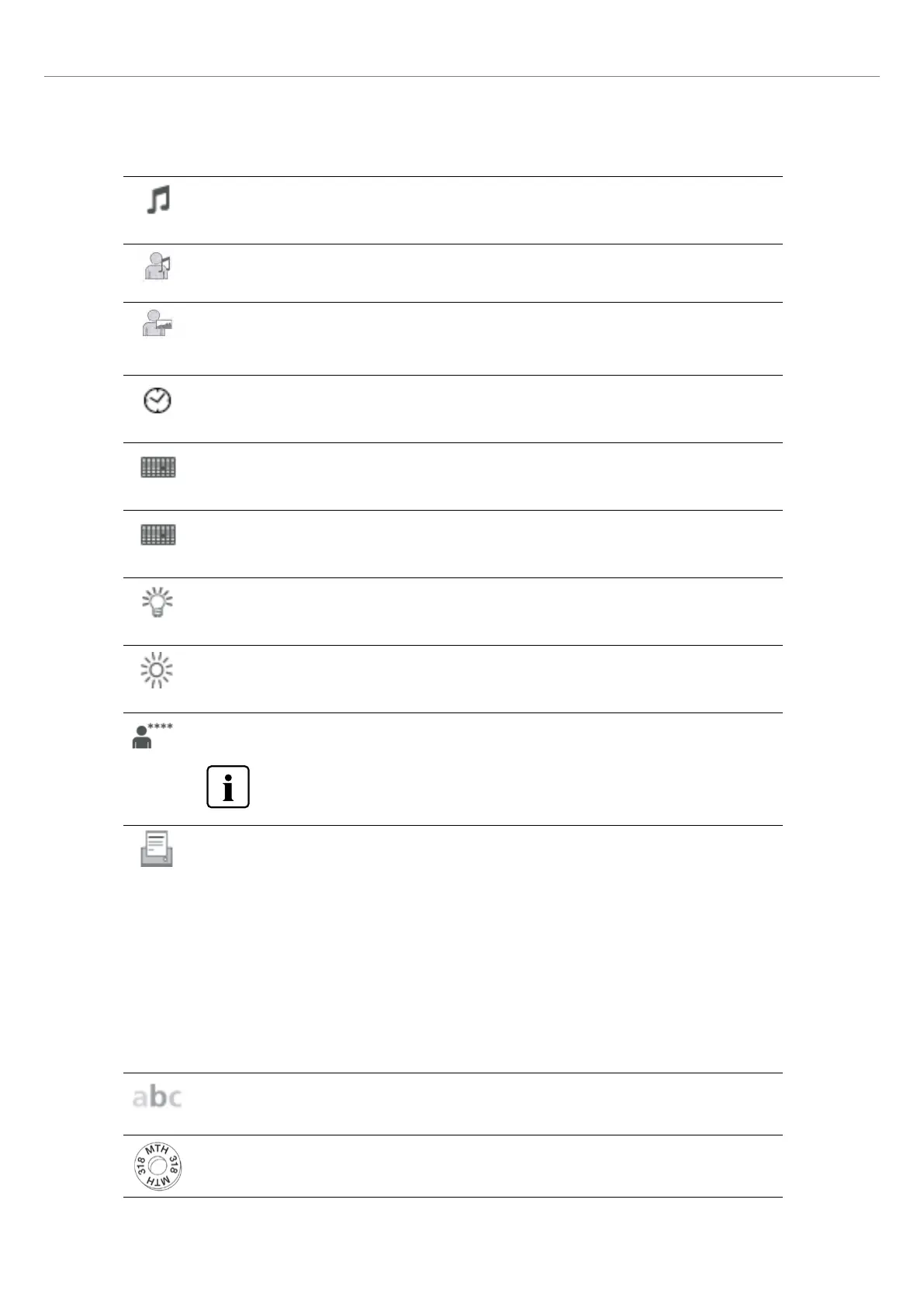
Melody
Select the desired melody for the acoustic signal.
Setting option: Melody 1 to 20
Individual tune
This function is used to load an individual tune in mp3 format. This tune will then be used as the speaker
sound.
Individual start screen
This function is used to load an individual start screen in .jpg format from a USB flash drive. Once an indi-
vidual start screen has been loaded, it will be shown for a few seconds when the furnace is switched on
the next time.
Time
Setting the current time
Setting options: hh:mm:ss
Date
Setting the current date
Setting options: according to the set date format
Date format
Setting the date format
Setting option: DD.MM.YYYY; MM.DD.YYYY
Optical Status Display (OSD)
Here, the OSD can be switched on or off
Setting option: Off / 10 – 100 % in 10-% steps
Display brightness
Setting the display brightness
Setting option: 20–100 % in 10-% steps
User code
The user code can be individually changed.
It is recommended to make a note of the changed user code and keep it separately. If forgotten,
the user code may only be reset with the help of After Sales Service.
Setting option: 1000 to 9999
Protocolling
If this function is activated, the program data are saved as a protocol entry after every firing procedure.
The following protocol settings are available:
Inactive: Protocolling is not active
Printer: At the end of the program, the parameters used are logged and saved in the furnace. Additionally,
the protocols are printed on a connected USB printer.
PC: At the end of the program, the parameters used are logged and saved in the furnace. If the furnace is
connected to the PrograBase X10 software, the saved table entries are synchronized with the connected
laptop computer / PC. Protocols can be edited, saved and printed by means of the PrograBase X10 software.
Table: At the end of the program, the parameters used are logged and saved in the furnace. The data can
be viewed via the Diagnosis menu.
Setting option: Inactive / Printer / PC / Table
Practice name
The practice name can be entered here. It is automatically added to the protocols.
Setting option: Practice name entry
Calibration interval
Setting for the notification as to when the next calibration should be conducted.
Setting option: 1 / 3 / 6 / 12 months
2. Application















 To Next Page